At-Risk Customers & One-Click Win-Backs
See customers at risk of churning on your dashboard and send a one-click win-back email (template on Growth, AI-personalised on Scale).
At-Risk Customers & One-Click Win-Backs
Keep your loyal customers coming back by identifying those who might be drifting away and quickly sending them a friendly reminder.
What you'll learn
- How to spot customers who are at risk of not ordering again.
- How to send a quick win-back email to re-engage them.
- How BakeOnyx personalizes win-back messages based on your subscription tier.
Understanding At-Risk Customers
It's much easier and cheaper to keep a customer you already have than to find a brand new one. BakeOnyx helps you identify customers who haven't ordered in a while and might be thinking of going elsewhere. We predict this based on how long it's been since their last order and how often they usually order.
You'll find this information in a few key places:
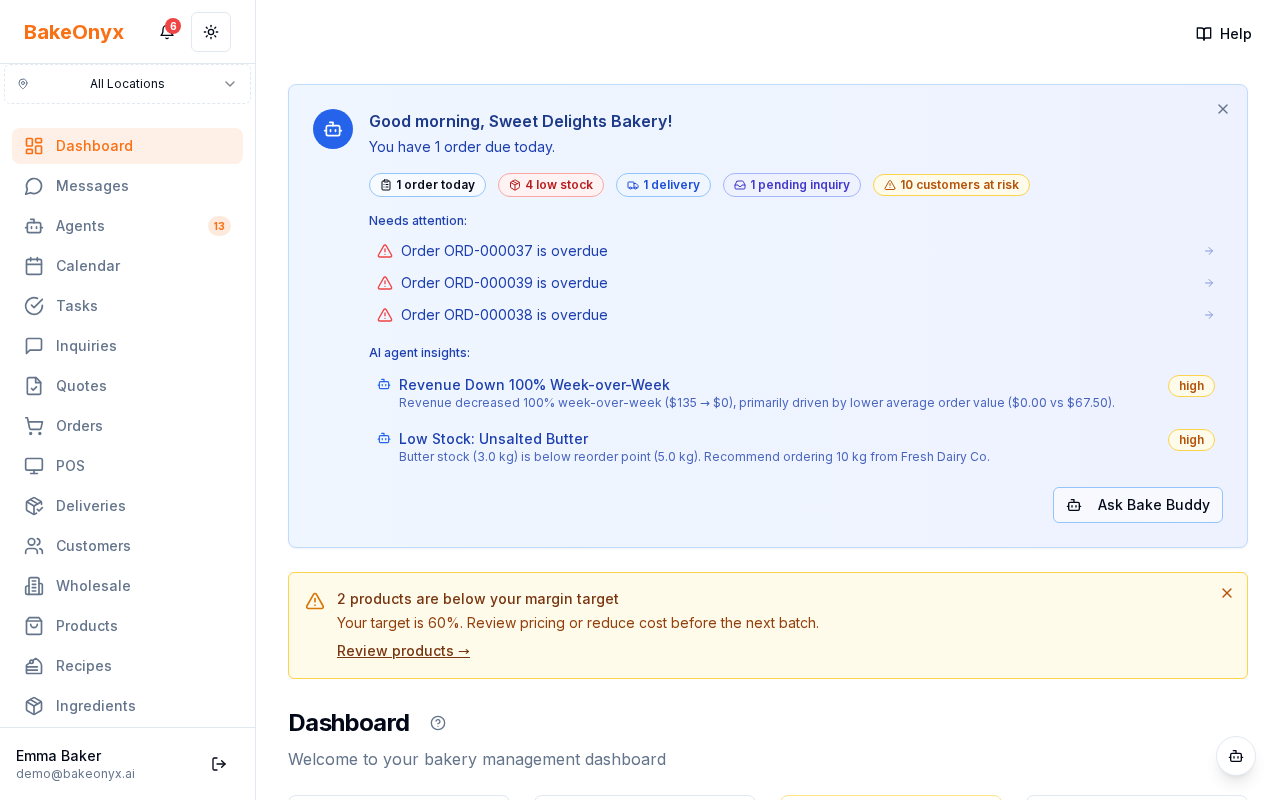
- Dashboard Card: A special card on your main dashboard will show you up to 5 customers who are most at risk. It'll tell you how many days it's been since their last order, their total number of orders, and their favorite item.
- Weekly Digest: You'll get a summary in your weekly email highlighting customers at risk.
- Morning Briefing: A small alert badge in your morning briefing will link you directly to the list of at-risk customers.
Sending a Win-Back Email
When you see a customer on the "At-Risk" list, you can quickly send them a message to encourage them to come back. The process is simple and designed to be fast:
- Navigate to your Dashboard.
- Locate the "At-Risk Customers" card.
- Find the customer you wish to contact.
- Click the Send win-back button next to their name.
Personalized Win-Back Messages
What your customer receives depends on your BakeOnyx subscription tier:
- Growth Tier: Customers will receive a friendly, straightforward message like: "Hi {firstName}, it's been a while — we miss you. Reply and let us know what we can make for you."
- Scale Tier: Our AI will create a more personalized message. It will look at their past orders and favorite items to craft a message that feels unique to them, encouraging them to return. Even if the AI has trouble, it will fall back to the standard template, so you'll always have a message sent.
Managing Win-Back Settings
You have control over whether these at-risk alerts are active for your bakery.
- Go to your bakery's Settings.
- Look for the At-Risk Alerts toggle.
- Ensure the toggle is turned On to see the dashboard card, receive weekly digests, and enable the win-back email feature. If it's off, these features will be hidden.