Weather and Cultural Holiday Calendars
Learn how weather data and cultural holiday calendars improve demand predictions automatically.
Weather and Cultural Holiday Calendars
- How weather data automatically adjusts your demand forecasts
- Which cultural holidays BakeOnyx tracks and how to customize them for your bakery
- Where to view weather and holiday factors that influenced your predictions
Why Weather and Holidays Matter to Your Forecast
BakeOnyx's forecast engine doesn't just look at your sales history—it also considers real-world factors that change customer behavior. Weather and cultural holidays are two of the biggest demand drivers for bakeries.
A sunny Saturday might bring 30% more customers to your farmers market stand. A rainy Tuesday could cut foot traffic in half. During major holidays like Eid, Diwali, or Lunar New Year, certain products see massive demand spikes, while others drop off entirely.
By automatically factoring in weather and holidays, BakeOnyx gives you more accurate predictions so you can staff properly, order ingredients with confidence, and avoid waste.
How Weather Data Works
BakeOnyx pulls 3-day weather forecasts and historical weather patterns for your bakery's location. The system analyzes:
- Temperature extremes — Hot days boost ice cream and cold beverage sales; cold snaps increase demand for warm pastries and coffee
- Precipitation — Rain and snow reduce foot traffic but may increase delivery orders
- Severe conditions — Storms, heavy snow, or extreme heat can dramatically suppress demand
These weather patterns are automatically applied to your forecast. You don't need to do anything—just check your forecast dashboard to see how weather is factoring in.
Cultural Holiday Calendars
BakeOnyx supports 8 cultural calendar systems, automatically detecting which holidays apply to your bakery based on your country setting:
- Islamic — Eid al-Fitr, Eid al-Adha, Ramadan
- Hindu — Diwali, Holi
- Chinese — Lunar New Year, Mid-Autumn Festival
- Jewish — Rosh Hashanah, Hanukkah
- Korean — Chuseok, Seollal
- Japanese — Obon, Shogatsu
- Thai — Songkran, Loy Krathong
- Brazilian — Carnival, Festa Junina
Each holiday has predefined demand multipliers for different product categories. For example, during Diwali, demand for sweets and festive breads typically increases 50–100%, while everyday items may see lower demand.
Customize Holiday Calendars for Your Bakery
If your bakery serves a diverse community, you may want to track holidays beyond your country's default calendar. You can manually add or remove holidays in your bakery settings.
- Go to Settings in the main menu
- Select Bakery Settings
- Scroll to the Holiday Calendars section
- Check or uncheck the calendars your customers celebrate
- Click Save Changes
Viewing Weather and Holiday Context in Your Forecast
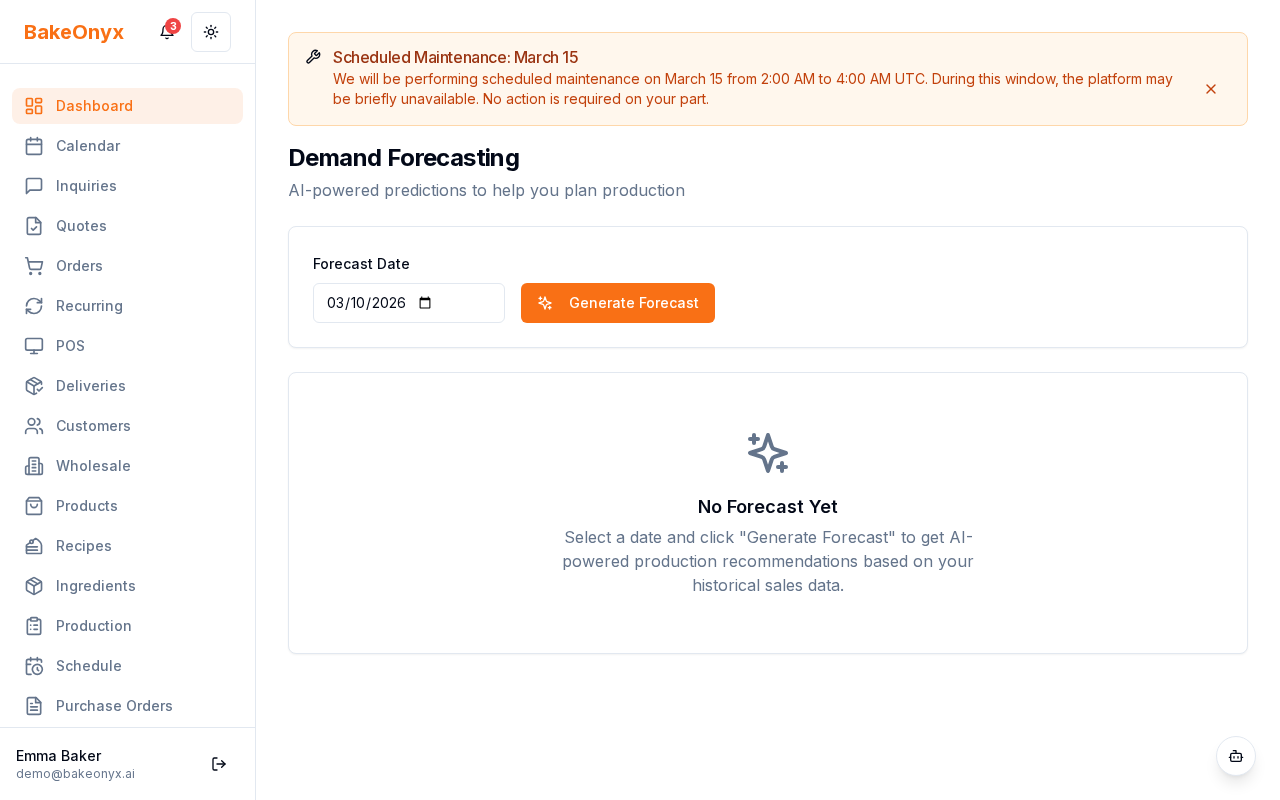
When you open your forecast dashboard, you'll see context factors displayed alongside your predictions. These show you exactly which weather conditions and holidays influenced the forecast.
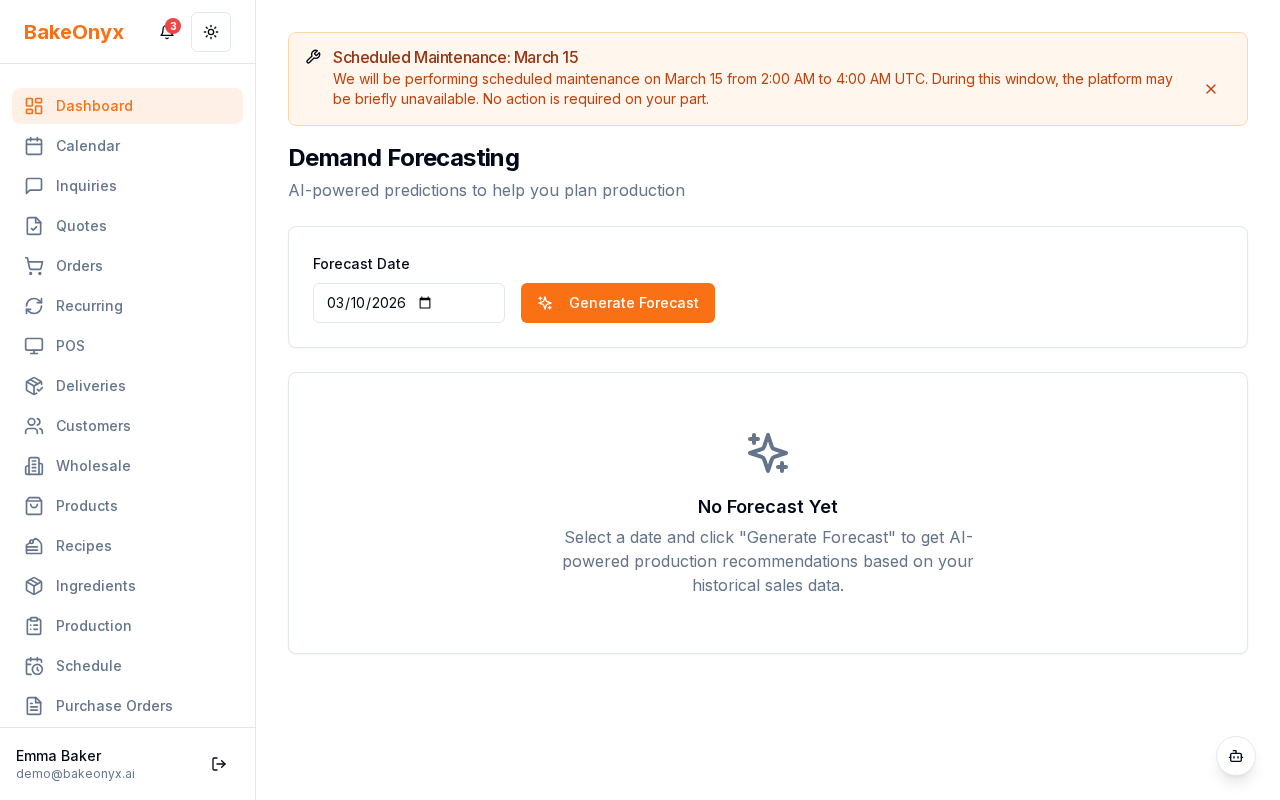
Look for:
- Weather icons and descriptions — Shows temperature, precipitation, and conditions for the forecast period
- Holiday labels — Lists any cultural holidays within the forecast window
- Demand multiplier percentages — Indicates how much these factors are expected to boost or reduce demand
Using Weather and Holiday Insights to Plan
Now that you understand what's influencing your forecast, use these insights to make smarter decisions:
- Adjust staffing — Schedule extra bakers and decorators during predicted holiday demand spikes
- Prep ingredients early — Order specialty items for holidays well in advance
- Create holiday promotions — Feature products that align with upcoming cultural celebrations
- Plan production — Use the Production Scheduler to align your bake schedule with forecasted demand
Next Steps
- Auto-Reorder from Forecast Predictions — Let BakeOnyx automatically order ingredients based on weather and holiday forecasts
- Production Scheduler Overview — Plan your baking schedule around demand predictions
- Adding and Managing Ingredients — Set up your ingredient catalog so forecasts can guide your orders