Using the Shopping List
Generate a shopping list from upcoming orders and production schedules, grouped by supplier with shortfall alerts.
Using the Shopping List
- Generate a shopping list automatically from your upcoming orders and production schedules
- Identify ingredient shortfalls before they become stockout problems
- Organize purchases by supplier and export for ordering
What the Shopping List Does
The Shopping List is your weekly planning tool. It looks at all your upcoming orders and scheduled production, calculates exactly how much of each ingredient you'll need, then compares that against what you have in stock right now. If you're short on anything, it flags it so you can order before you run out.
Everything is grouped by your preferred supplier, making it easy to place orders. You can focus on specific dates, export the list, or turn it into a purchase order directly in BakeOnyx.
Accessing Your Shopping List
- From your BakeOnyx dashboard, click Shopping List in the left navigation menu.
- You'll see a list of all ingredients needed for your upcoming orders and production, organized by supplier.
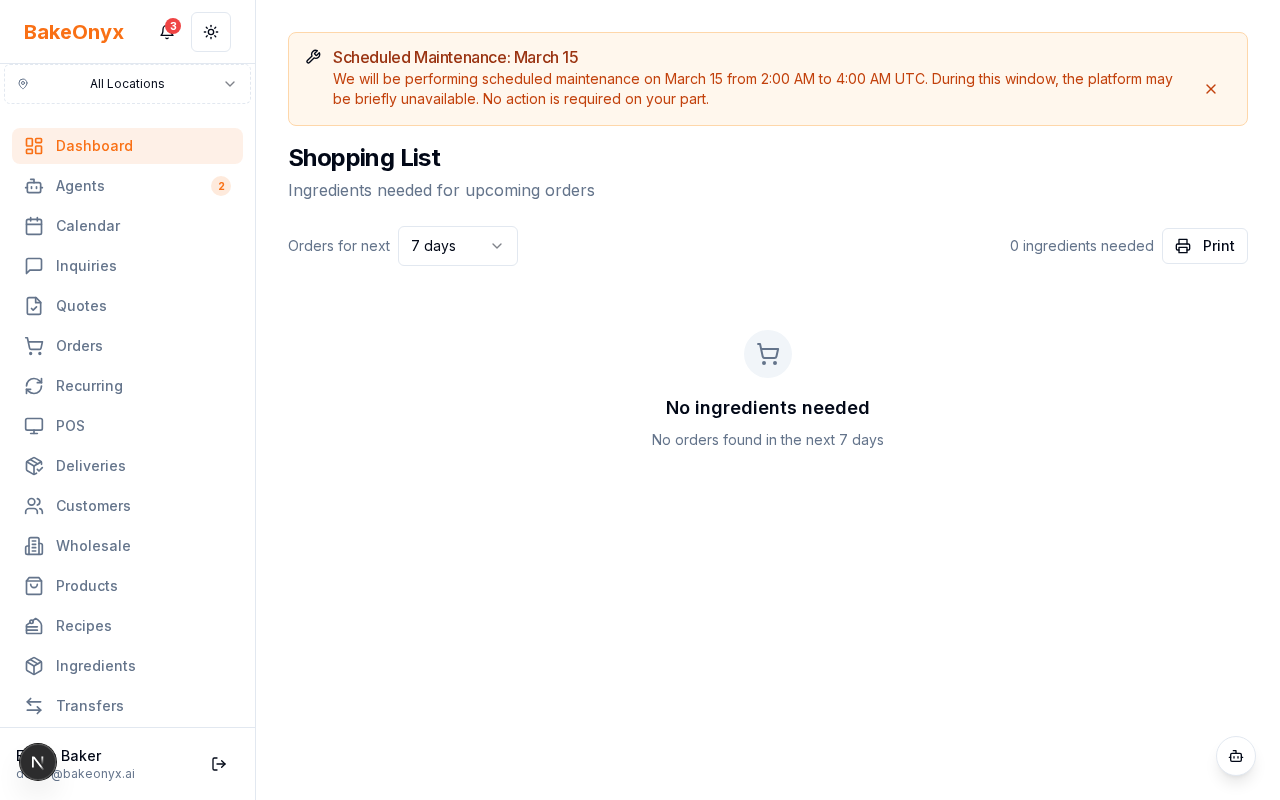
Understanding the Shopping List Columns
Each ingredient row shows you everything you need to make a purchasing decision:
- Ingredient Name — The item you need to order
- Required Quantity — How much you need based on your orders and production schedules
- Current Stock — What you have on hand right now
- Shortfall — The gap (highlighted in red if you're short)
- Unit — Kilograms, liters, pieces, etc.
- Preferred Supplier — Your default vendor for this ingredient
Filtering by Date Range
If you want to see shopping needs for a specific week or time period:
- At the top of the Shopping List, find the date filter fields.
- Enter your Start Date and End Date to focus on upcoming orders and production within that window.
- Click Apply Filter to refresh the list.
This is helpful for weekly purchasing planning — just set it to next week's dates and you'll see exactly what to order.
Exporting Your Shopping List
You can export the shopping list as a CSV file to share with team members or use in a spreadsheet:
- At the top of the Shopping List page, click the Export as CSV button.
- The file will download to your computer with all current ingredients, quantities, and supplier information.
- Open it in Excel or Google Sheets to review, edit, or share with your purchasing team.
Creating a Purchase Order from the Shopping List
The fastest way to order is directly from the Shopping List:
- Review the ingredients you need to order (pay attention to shortfall alerts).
- Select the items you want to purchase by checking the boxes next to each ingredient.
- Click Create Purchase Order at the bottom of the page.
- Choose your supplier and confirm the quantities.
- The purchase order will be created and ready to send to your vendor.
Best Practices for Weekly Planning
- Check it weekly — Run your Shopping List every Monday or before your regular ordering day
- Set realistic date ranges — Look ahead 7–10 days to give suppliers time to deliver
- Act on shortfalls immediately — Don't wait if an ingredient is already in the red
- Update your recipes — If your Shopping List looks wrong, check that your recipes have current ingredient quantities
- Keep stock levels current — The Shopping List is only accurate if your inventory counts are up to date
Next Steps
- Creating a Recipe — Make sure your recipes are set up correctly so the Shopping List calculates accurate ingredient needs
- Creating Purchase Orders — Learn how to formalize orders and track them in BakeOnyx
- Reports Overview — See other ways to analyze your inventory and purchasing patterns