Online Checkout and Customer Accounts
How the online checkout flow works for customers, including guest checkout and registered accounts.

Online Checkout and Customer Accounts
- How customers complete purchases through your BakeOnyx online store
- The difference between guest checkout and registered customer accounts
- How customer accounts help track orders and manage preferences
Understanding the Checkout Flow
Your BakeOnyx online store gives customers two ways to shop: as guests or as registered account holders. Both paths lead to the same checkout experience, but registered customers enjoy extra benefits like order history and saved preferences.
Guest Checkout
Customers who don't have an account can complete a purchase as a guest. Here's how it works:
- Customer adds items to their cart by browsing your online store
- When ready, they click the Checkout button
- They enter their delivery or pickup details (address, phone, special instructions)
- They review their order total and apply any promo codes
- They complete payment and receive an order confirmation
Guest carts are saved for 7 days using a secure cookie. If a guest returns within that window, their cart items will still be there—though prices and availability will be re-checked to ensure accuracy.
Registered Customer Accounts
Customers who create an account get a more personalized experience:
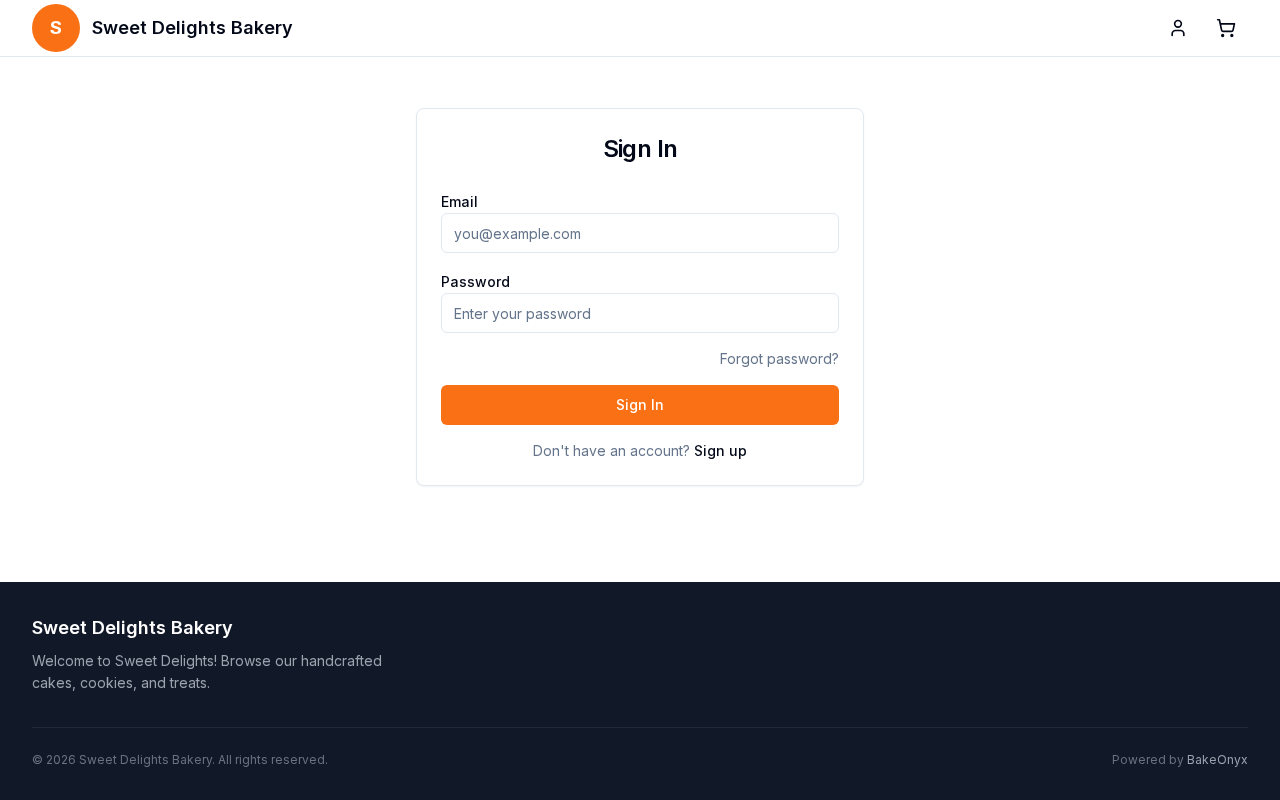
- Customer visits your store and clicks Sign Up or Log In
- They create an account with their email and password
- They add items to their cart
- At checkout, their saved delivery addresses appear as options
- They complete payment and can view their order in their account dashboard
Registered customer sessions last 30 days, so they stay logged in across visits. Any items left in their cart will be waiting for them next time.
The Checkout Process
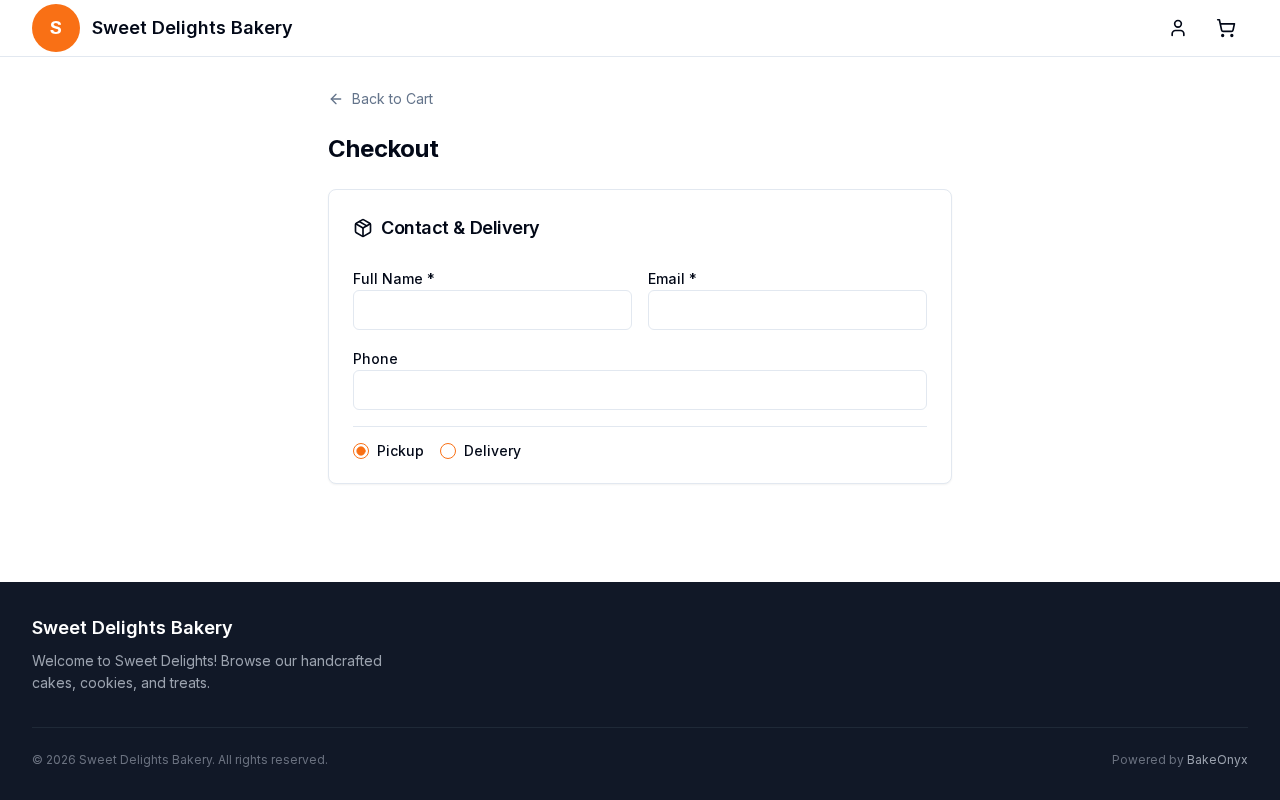
Whether a customer checks out as a guest or a registered user, the checkout page collects the same essential information:
- Delivery or Pickup Details — Address, phone number, and any special instructions (e.g., "ring doorbell twice")
- Order Summary — All items, quantities, and current prices
- Promo Codes — Customers can enter valid codes to receive discounts
- Order Total — Subtotal, taxes, delivery fees (if applicable), and final amount due
Guest Carts and Account Merging
If a guest customer decides to create an account during or after checkout, their cart items automatically merge into their new account. This means they won't lose any items they've added—they'll simply have the convenience of a registered account going forward.
Managing Customer Accounts
Once customers have an account, they can access their dashboard at any time to:
- View past orders and order status
- Save multiple delivery addresses
- Update their account settings and preferences
- Track upcoming deliveries or pickups
Next Steps
- Creating and Managing Promo Codes — Set up discount codes for your customers to use at checkout
- Creating a New Order — Learn how to manually create orders in BakeOnyx if needed
- Managing Customers — Understand how to view and manage your customer database