Wholesale Customer Portal
Give wholesale customers self-service access to place orders, view invoices, and manage their account.
Wholesale Customer Portal
- Enable wholesale customers to place orders and manage their accounts independently
- Give customers access to their order history, invoices, and account settings
- Automate order creation with your negotiated pricing and volume discounts
What is the Wholesale Customer Portal?
The Wholesale Customer Portal is a dedicated online space where your wholesale customers can place orders, view their order history, download invoices, and manage their account details—all on their own time. Instead of emailing you or calling to place orders, they log in, browse available products, and submit orders that automatically apply their negotiated pricing and volume breaks.
Setting Up Wholesale Portal Access for Customers
Before customers can use the portal, you need to enable it for their account and provide them with their login credentials.
- Go to Customers in the main menu.
- Find and select the wholesale customer you want to give portal access to.
- In the customer's profile, locate the Wholesale Portal Access section.
- Toggle Enable Wholesale Portal to the "on" position.
- Set a temporary password for the customer (or let them set their own via a password reset link).
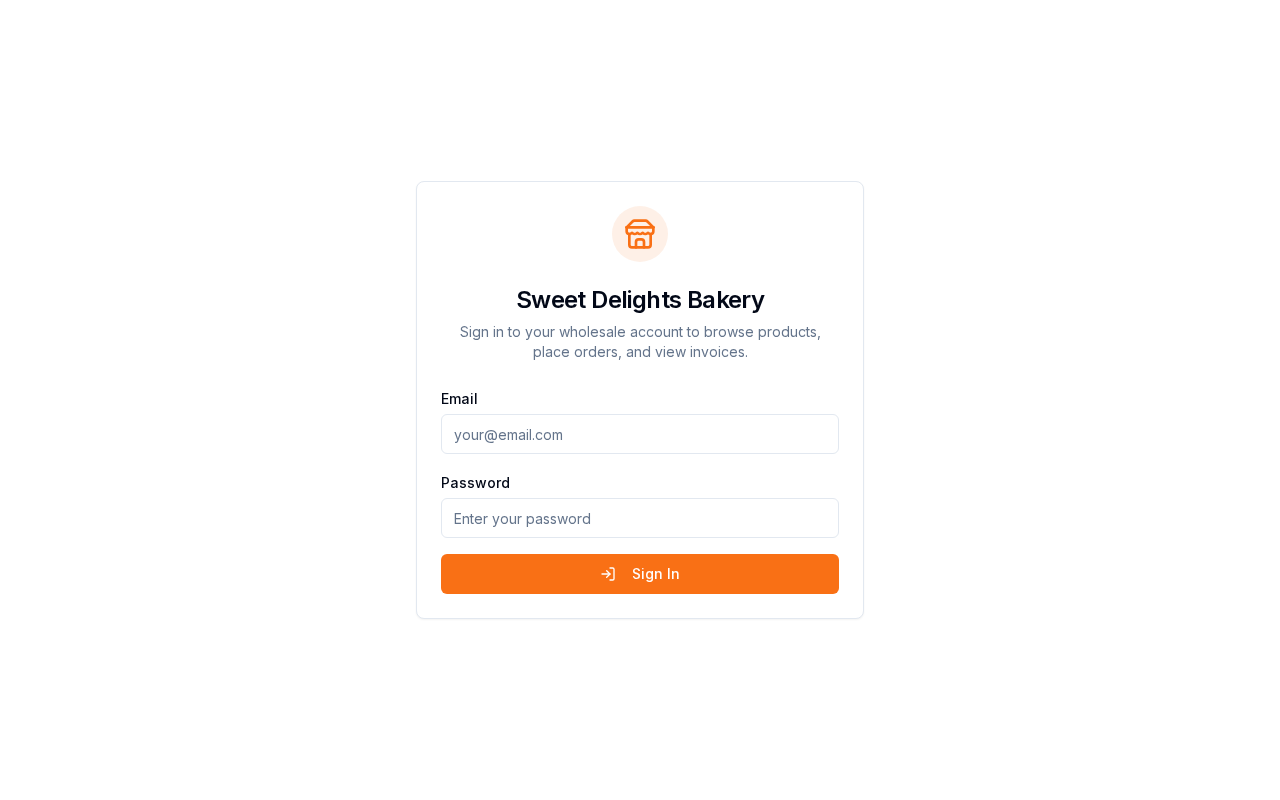
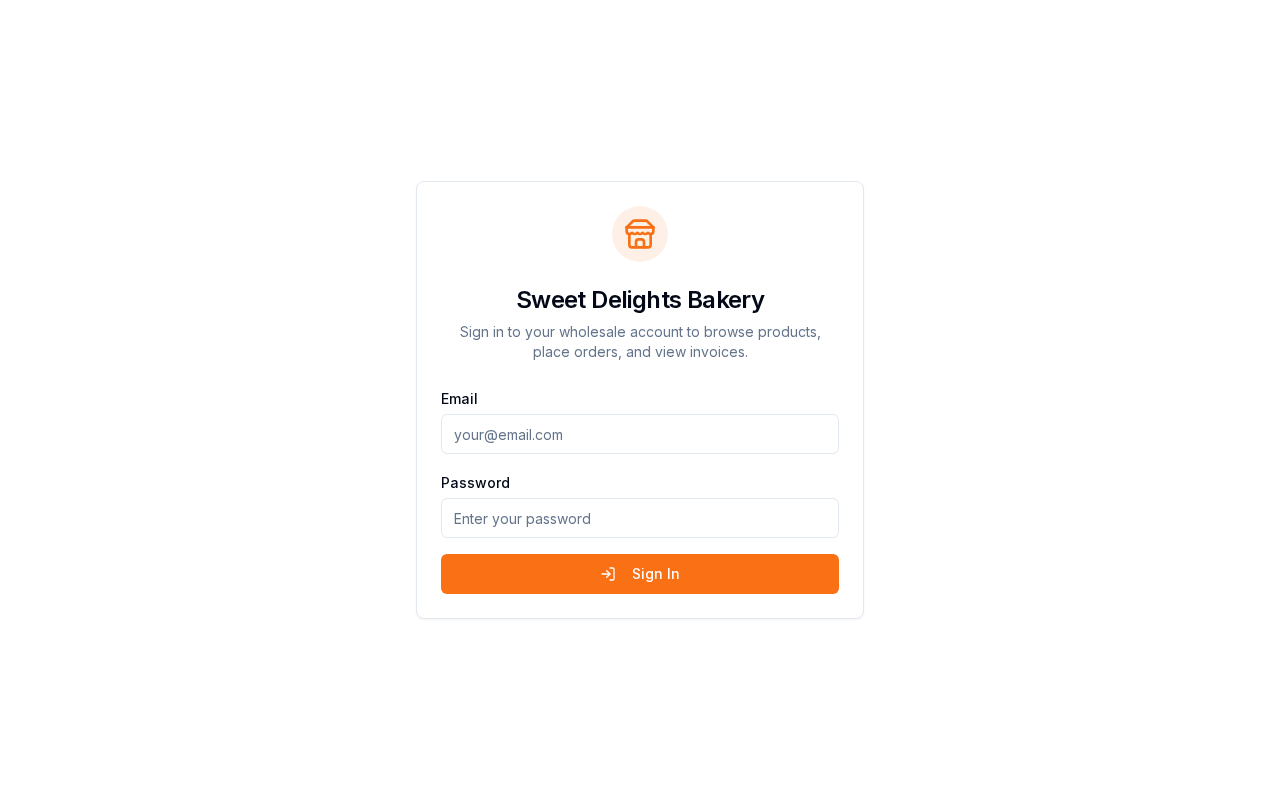
- Share the portal login URL with the customer. The URL is:
yourbackery.bakeonyx.com/wholesale/[your-bakery-slug] - Provide the customer with their email address and the temporary password.
What Customers Can Do in the Portal
Place Orders
Customers log in and navigate to the Orders tab to create a new order. They'll see all available products with their negotiated pricing already applied. Any volume discounts or tiered pricing you've set up for that customer will automatically calculate as they add items to their cart.
View Order History
The Orders page displays all orders the customer has placed through the portal, including order dates, totals, and status. They can click on any order to view details like items, quantities, and delivery dates.
Download Invoices
Customers can access the Invoices tab to view and download all invoices associated with their account. This is helpful for their accounting and record-keeping.
Manage Account Settings
In Account Settings, customers can update their contact information, change their password, and manage delivery addresses for orders.
How Orders Are Processed
When a customer places an order through the wholesale portal, BakeOnyx automatically:
- Tags the order with the source "wholesale_portal" so you can easily filter and identify portal orders
- Applies the customer's negotiated pricing and any volume breaks you've configured
- Sends you a notification so you can fulfill the order
- Allows the customer to track the order status in their portal account
Customer Login and Security
Customers log in with their email address and the password you set for them. BakeOnyx uses secure authentication (JWT tokens) to keep their session safe. Sessions expire after 30 days of inactivity, so customers will need to log in again if they haven't used the portal in a while.
Next Steps
- Managing Customers — Learn how to set up wholesale customer profiles and configure their pricing
- Creating a New Order — Understand how orders work in BakeOnyx, whether placed by you or your customers
- Setting Up Your Online Store — Explore other ways to let customers place orders online