Scaling Recipes
Scale a recipe up or down to produce different quantities while keeping proportions correct.

Scaling Recipes
- How to adjust a recipe to make larger or smaller batches
- How ingredient quantities are automatically calculated when you change the yield
- How to review the updated cost of a scaled recipe
What is Recipe Scaling?
Recipe scaling lets you take any recipe in BakeOnyx and adjust it to produce a different quantity while keeping all the ingredient proportions exactly the same. Whether you need to make a double batch for a big order or reduce a recipe to test a new flavor, scaling does the math for you automatically.
For example, if your chocolate chip cookie recipe makes 24 cookies and you need 48, BakeOnyx will double every ingredient amount. If you want to make just 12 cookies, it will cut each ingredient in half.
How to Scale a Recipe
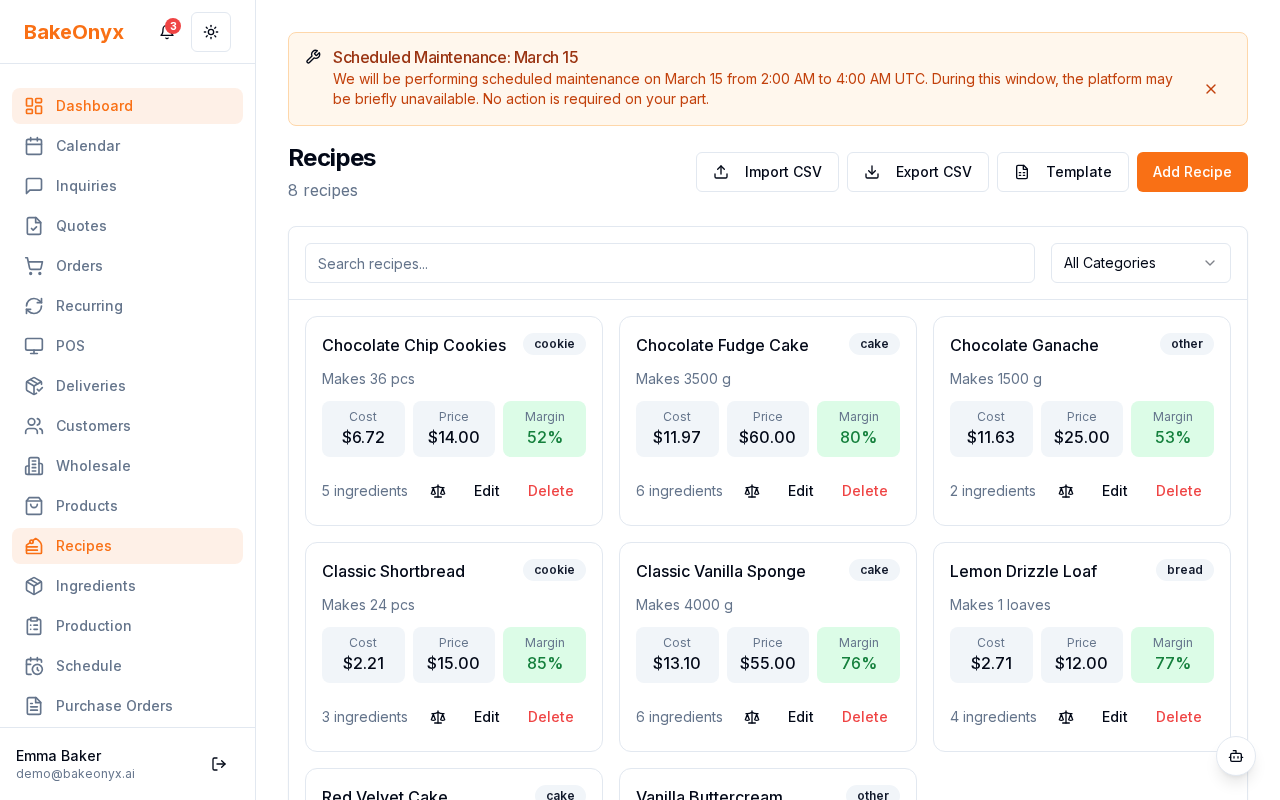
- From your BakeOnyx dashboard, go to Recipes in the main menu.
- Find and click on the recipe you want to scale.
- Click the Scale button or link (usually found near the recipe name or in the recipe details area).
- You'll see the recipe scale page with your original recipe details displayed.
Entering Your Target Yield
- Look for the Target Yield field. This is where you enter how much you want to make.
- Clear the current number and type in your desired quantity. For example, if the original recipe makes 12 loaves and you need 30 loaves, enter
30. - Make sure you're using the same unit as the original recipe (loaves, dozen, pounds, etc.).
- Press Enter or click the Scale button to calculate.
Reviewing Your Scaled Recipe
Once you've entered your target yield, BakeOnyx automatically recalculates every ingredient:
- All ingredient quantities are multiplied by the scaling factor (your target yield divided by the original yield)
- The scaled ingredient list appears below, showing the new amounts you'll need
- The Total Cost updates to show the new cost of the scaled recipe
Saving or Using Your Scaled Recipe
The scaling page shows you the adjusted quantities, but it doesn't permanently change your original recipe. Your original recipe stays the same so you can scale it to different amounts whenever you need to.
If you want to save this scaled version as a new recipe for future use, look for a Save as New Recipe option on the scale page. This creates a duplicate recipe with the new yield amount.
Scaling Tips for Bakers
- Round up or down as needed: If scaling gives you 3.7 eggs, you might round to 4. Use your baker's judgment for practical measurements.
- Test before going big: If you're scaling up significantly, consider making a test batch at the new size first to make sure everything bakes correctly.
- Check ingredient availability: Before scaling a large batch, verify you have enough ingredients in stock using your inventory.
- Watch for equipment limits: A scaled recipe might be too large for your mixer or oven. Plan accordingly.
Next Steps
- Creating Products from Recipes — Turn your scaled recipe into a product you can sell
- Adding and Managing Ingredients — Make sure all your recipe ingredients are set up in BakeOnyx
- Creating a New Order — Use your scaled recipe to fulfill a customer order