Batch and Portion Costing
Learn how batch yields and portion sizes work for accurate product costing — ideal for weight-based recipes.

Batch and Portion Costing
- How batch yields affect your product costs
- How to set portion sizes for accurate per-product pricing
- How BakeOnyx calculates the cost of each product you sell
Why Batch and Portion Costing Matters
When you bake, you work in batches. A single batch of cake mix might yield 4000 grams and cost $45 in ingredients. But you don't sell the whole batch as one product — you divide it into portions. One portion might be a 450-gram 5-inch cake that you sell for $5.06.
BakeOnyx tracks this relationship so you always know the true cost of each product you make and sell. This helps you price correctly and understand your profit margins.
Understanding Recipe Yield and Batch Cost
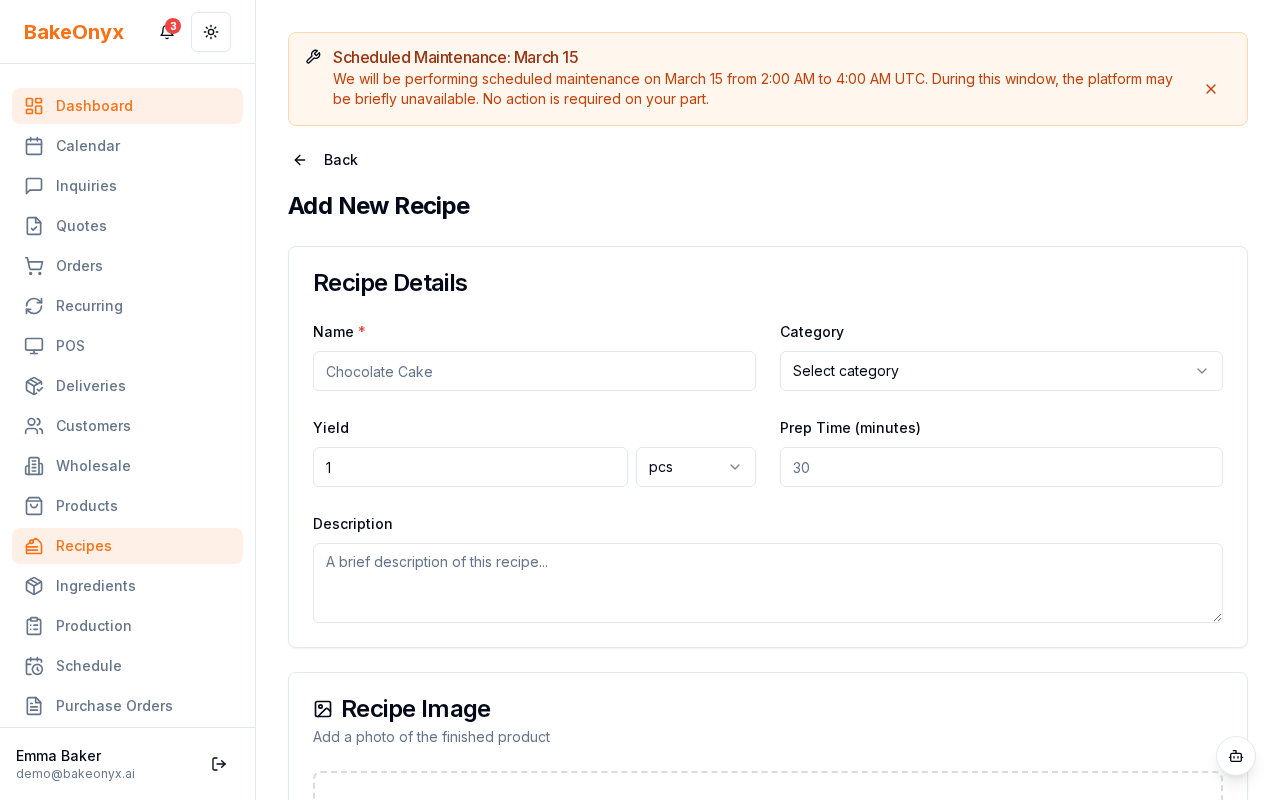
Every recipe in BakeOnyx has two key numbers:
- Recipe Yield: The total weight your recipe produces (e.g., 4000g)
- Recipe Cost: The total cost of all ingredients in that batch (e.g., $45)
When you create or edit a recipe, you'll set the yield in grams, ounces, kilograms, or pounds — whatever unit makes sense for your bakery.
Setting Portion Sizes for Products
A portion size tells BakeOnyx how much of your batch each product uses. This is where the magic happens for accurate costing.
For example:
- Your cake mix batch yields 4000g total and costs $45
- A 5-inch cake product uses 450g of that batch
- BakeOnyx calculates: (450g ÷ 4000g) × $45 = $5.06 per cake
How to Set a Portion Size
- Go to Recipes and open the recipe you want to use
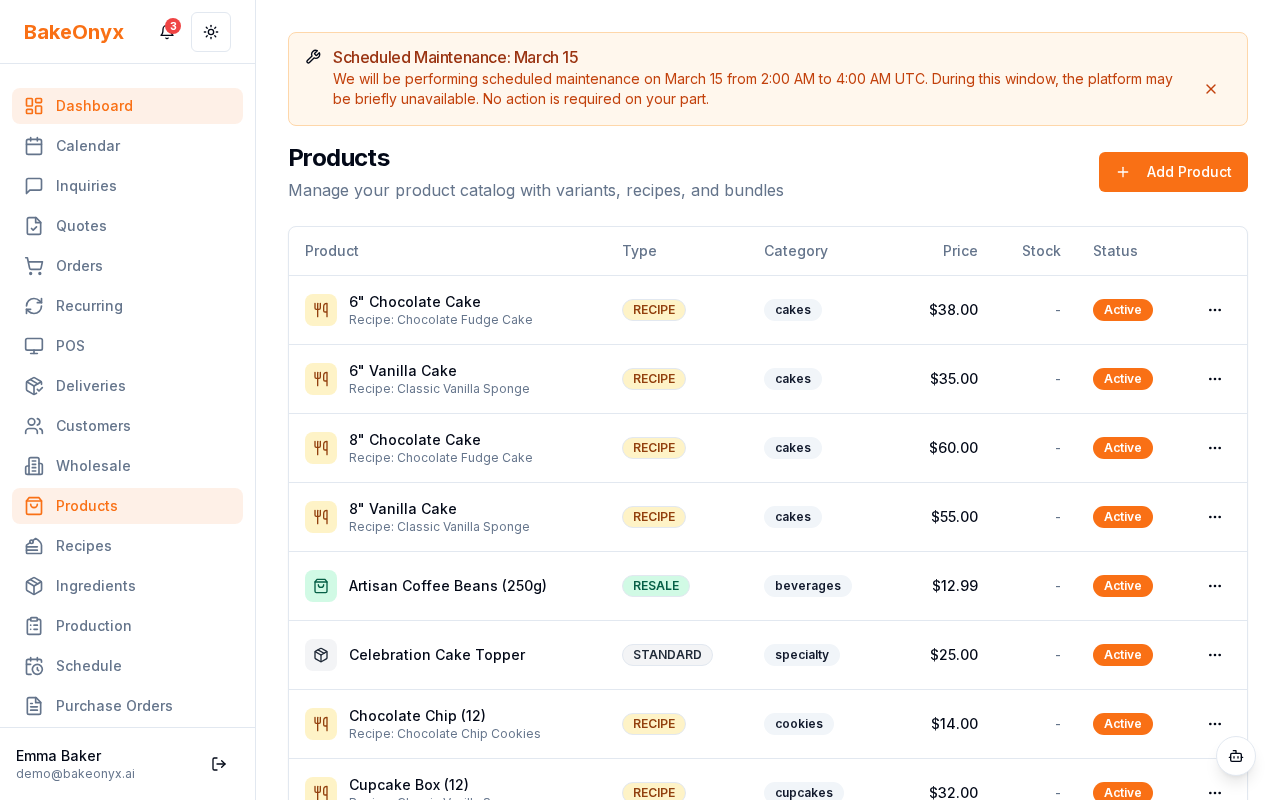
- Click on the product linked to that recipe (or create a new product)
- Find the Portion Size field
- Enter the weight of product that uses one batch portion (e.g., 450)
- Select the weight unit that matches your recipe yield (grams, ounces, etc.)
- Save the product
BakeOnyx will automatically calculate the cost per portion based on your recipe cost and yield.
What If You Don't Set a Portion Size?
If a product doesn't have a portion size set, BakeOnyx will use the full recipe cost for that product. This is backward compatible — useful if you sell the entire batch as a single product, or if you're still setting up your portion data.
Using Batch Costing in Orders
Once you've set up your recipes with yields and products with portion sizes, the cost data flows automatically into your orders. When you create an order and add a product, BakeOnyx shows you the calculated cost per portion — no manual math needed.
This also helps you:
- See your profit margin at a glance
- Adjust prices based on ingredient costs
- Track which products are most profitable
- Plan batch sizes based on expected orders
Next Steps
- Scaling Recipes — Learn how to adjust batch sizes while keeping costs accurate
- Adding and Managing Ingredients — Set up your ingredient costs for accurate recipe costing
- Creating a New Order — See how portion costs appear in your orders