Forecast Insights and Context Factors
Understand the factors that influence demand predictions and view actionable insights.
Forecast Insights and Context Factors
BakeOnyx's Forecast feature doesn't just predict demand—it explains why demand will change. By understanding the context factors that influence your predictions and reviewing actionable insights, you can make smarter production decisions and avoid over- or under-stocking.
What you'll learn
- How to read context factors that influence your demand forecast
- How to interpret AI-generated insights and confidence scores
- How to use forecast insights to adjust your production schedule
Understanding Context Factors
Context factors are external signals that affect customer demand. BakeOnyx automatically analyzes these factors and displays them alongside your forecast predictions. Common context factors include:
- Weather conditions — Temperature, precipitation, and severe weather alerts that impact foot traffic or demand for specific items (e.g., hot beverages on cold days)
- Holidays and events — National holidays, local events, school schedules, and religious observances that drive seasonal demand spikes
- Day-of-week patterns — Historical trends showing which days are busier (e.g., Friday wedding cake orders)
- Seasonal trends — Long-term patterns based on time of year, such as increased holiday baking in November and December
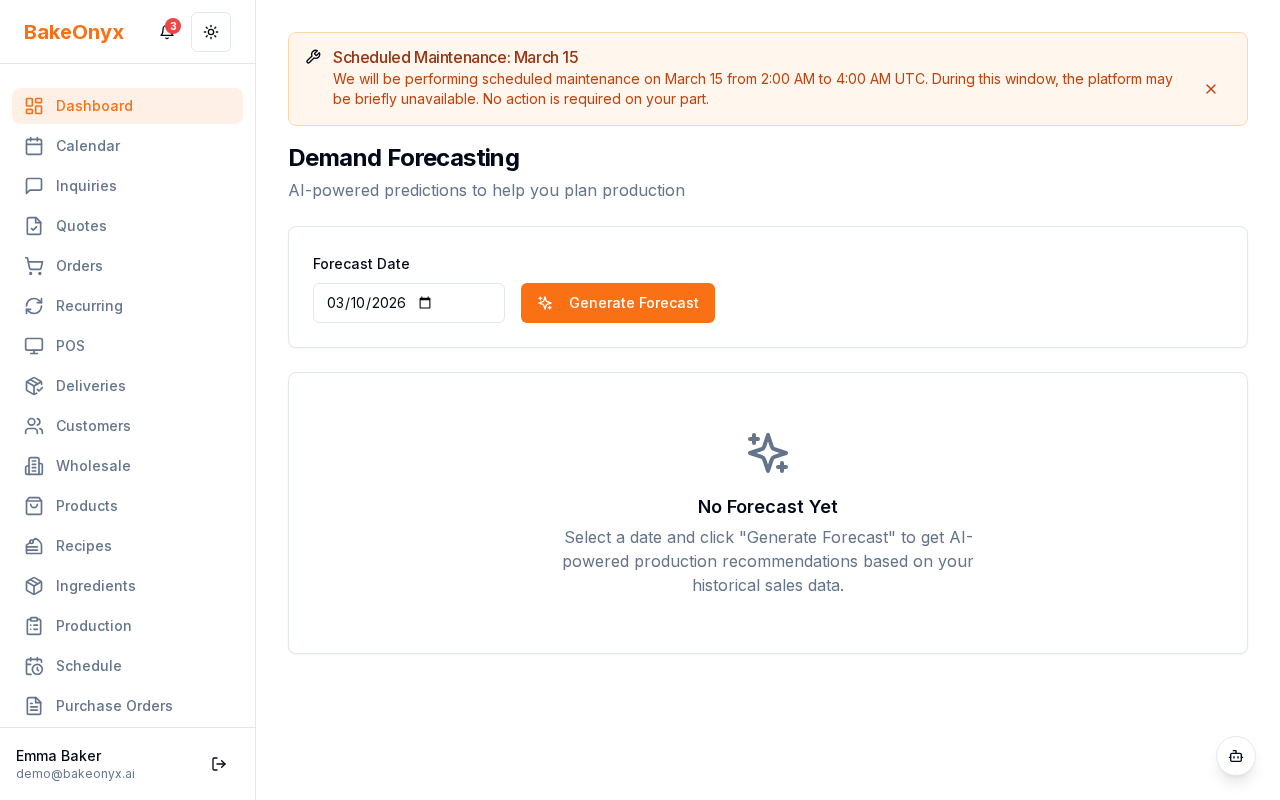
On the Forecast page, context factors appear as tags below your demand predictions. Each tag shows which external signal is currently active and how it may be influencing demand.
Reading AI Insights
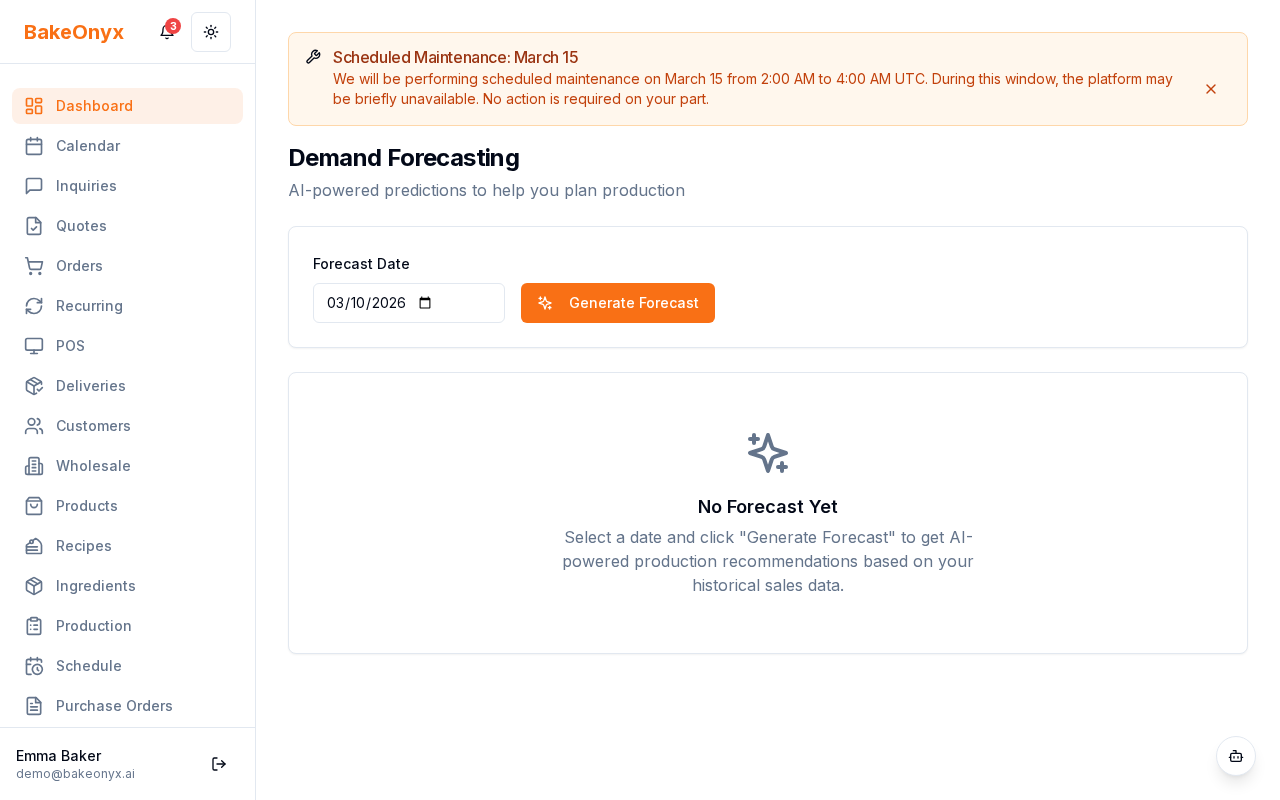
The Insights card on your Forecast page provides actionable recommendations based on the patterns BakeOnyx detects. These insights highlight opportunities to increase revenue, reduce waste, or better meet customer demand.
How to review your insights
- Navigate to the Forecast page from the main menu.
- Scroll to the AI Insights card on the right side of the screen.
- Review each insight listed. Insights are ranked by relevance and confidence.
- Click on an insight to expand it and see supporting details.
Understanding confidence scores
Each insight includes a confidence score (shown as a percentage). This score reflects how strongly the data supports the recommendation:
- 90%+ — Very high confidence. This pattern is consistent and reliable. Act on this insight with confidence.
- 70–89% — Good confidence. The pattern is clear, but there may be occasional exceptions. Use this insight as a guide.
- 50–69% — Moderate confidence. The pattern exists but is less consistent. Monitor results before making major changes.
- Below 50% — Low confidence. BakeOnyx is still learning. Use your own judgment.
Using Insights to Adjust Production
Once you've reviewed an insight, the next step is to update your production schedule:
- Identify which products are mentioned in the insight (e.g., "chocolate cake").
- Open your Production Scheduler for the relevant date.
- Adjust batch quantities based on the insight's recommendation.
- Save your changes.
- Monitor actual sales against the forecast to see if the insight was accurate.
Next steps
- Production Scheduler Overview — Learn how to adjust your production schedule based on forecast insights
- Adding and Managing Ingredients — Ensure you have enough ingredients to support increased production
- Using Bake Buddy (AI Assistant) — Ask Bake Buddy questions about your forecast or insights in natural language