Revenue to Profit: How Money Flows
Understand how revenue from orders becomes profit after ingredient costs, labour, overhead, and operating expenses.
Revenue to Profit: How Money Flows
- Understand how customer payments become actual profit after all costs
- See where ingredient costs, labour, overhead, and operating expenses fit in
- Learn where to find these numbers in BakeOnyx reports
The Money Flow: From Order to Profit
Every time a customer buys from you, their payment starts a journey through your bakery's finances. Understanding this flow helps you see where your money goes and how much you actually keep. Let's walk through it step by step.
Step 1: Revenue — What Customers Pay You
Revenue is the total amount customers pay for their orders. This includes:
- Orders placed through your BakeOnyx dashboard
- Sales via your POS system
- Orders from your online storefront
- Wholesale orders to other businesses
BakeOnyx tracks revenue by channel, so you can see which sales method brings in the most money. Every order's total price counts as revenue the moment it's paid.
Step 2: Cost of Goods Sold (COGS) — What It Costs to Make
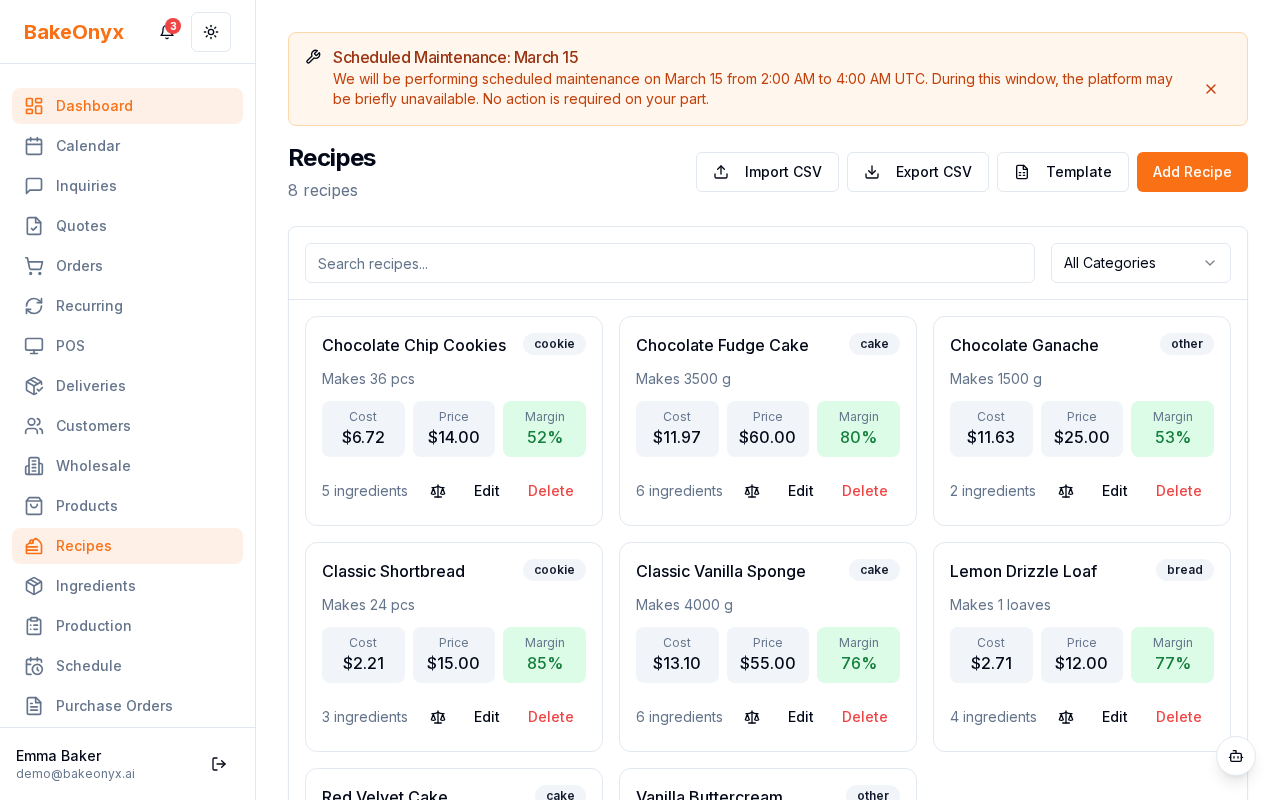
Revenue is just the starting point. To make those orders, you spent money on production. This is your Cost of Goods Sold, and it has four parts:
- Ingredients: The flour, butter, sugar, and everything else in your recipes. BakeOnyx calculates this automatically from your recipe costs — the quantity of each ingredient times its cost per unit.
- Labour: The hours your staff spent making each order, multiplied by your labour rate. This is tracked per order item.
- Overhead: A portion of your facility costs (like rent or utilities) allocated to each item based on your overhead method in settings.
- Supplies & Packaging: Boxes, bags, labels, and other materials needed to deliver the product.
Add all four together, and you get your total COGS for that order.
Step 3: Gross Profit — What You Make on Production
Now subtract COGS from revenue:
Gross Profit = Revenue − COGS
This number tells you how much money you made just from baking and selling — before paying for rent, utilities, or running your business. For most bakeries, a healthy gross profit margin is 60–75%. If yours is lower, it might mean ingredient costs are too high or labour is inefficient.
Step 4: Operating Expenses — The Cost of Running Your Business
Even on days you don't bake, you have costs. These are your operating expenses:
- Rent and utilities
- Insurance
- Marketing and advertising
- Delivery and shipping
- Professional services (accounting, legal)
- Software subscriptions
- And more
You log these manually in the Expenses module. They're separate from COGS because they're not tied to individual orders — they're the cost of keeping your doors open.
Step 5: Net Profit — Your Take-Home
Finally, subtract operating expenses from gross profit:
Net Profit = Gross Profit − Operating Expenses
This is your actual profit — the money left after everything is paid. It's what you can reinvest, save, or take home.
Where to See All This in BakeOnyx
You don't have to do the math yourself. BakeOnyx shows you the complete picture:
- Go to Reports in your main menu
- Open the P&L Dashboard — it displays revenue, COGS, gross profit, operating expenses, and net profit all in one view
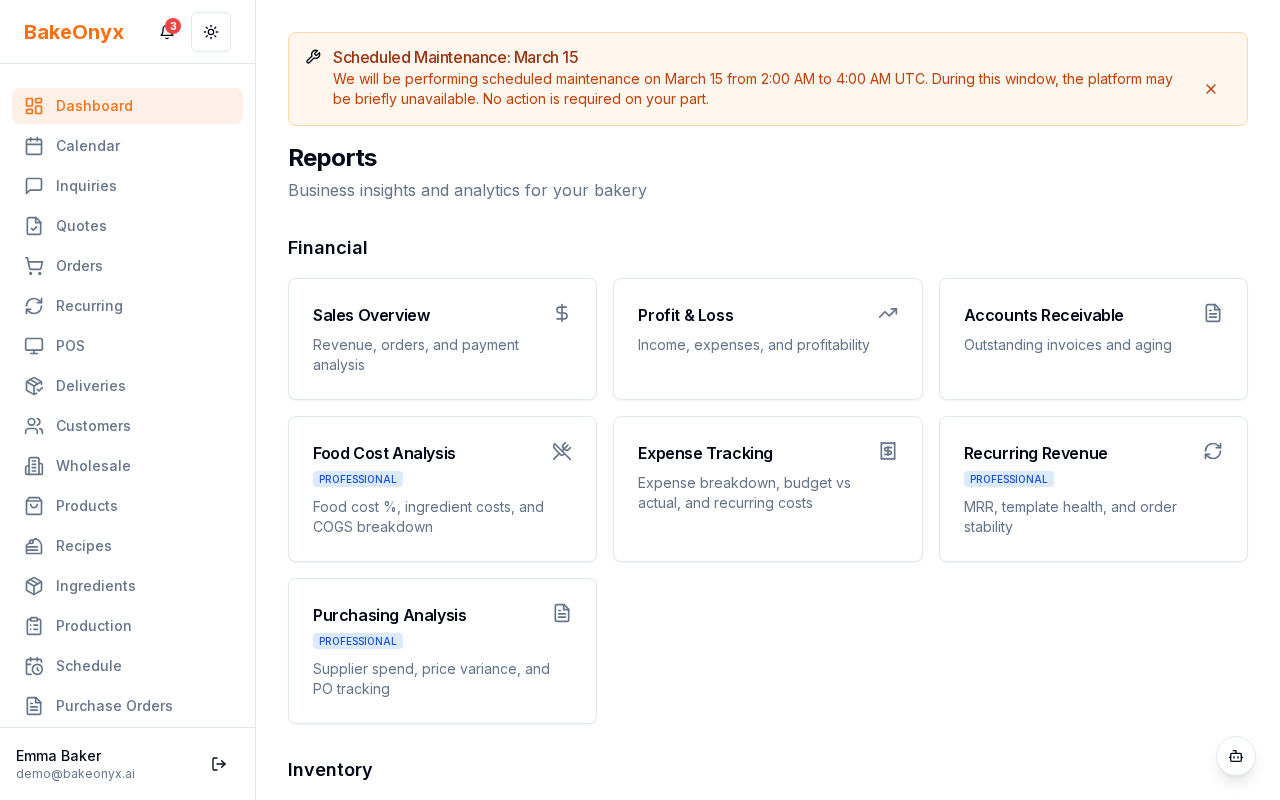
You can also dive deeper with these reports:
- Profit Margin Report: Shows percentages, not just dollars
- Food Cost Report: Breaks down ingredient costs by recipe or product
- Expense Report: Details all your operating costs
Next Steps
- Creating a New Order — Learn how orders feed into your financial reports
- Tracking Expenses — Set up operating expenses to complete your profit picture
- Managing Customers — Organize your customer base and track sales by channel