Connecting Instagram & Facebook
Link your bakery's Instagram and Facebook so you can schedule posts straight from Content Studio.
Post without copy-pasting
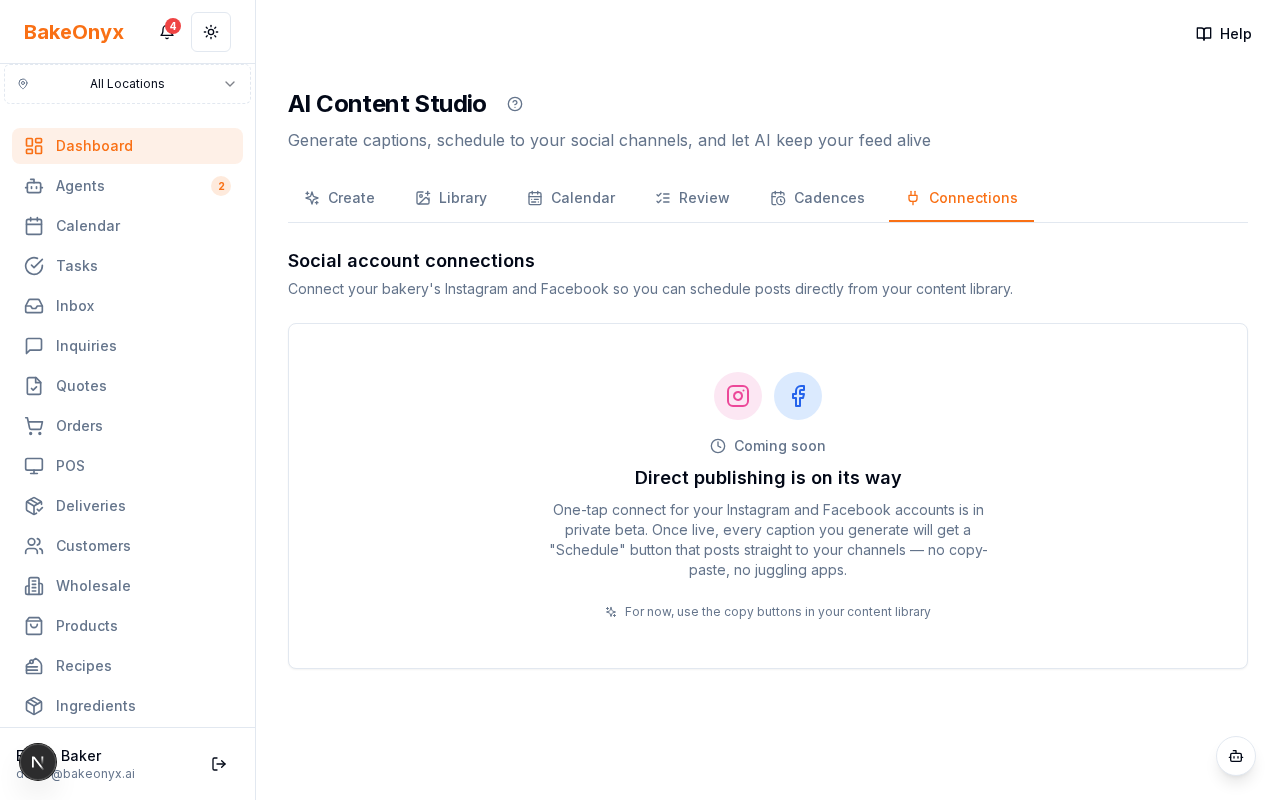
The Connections page in Content Studio is where you link your bakery's Instagram and Facebook accounts, so content you create can be scheduled and posted directly instead of copy-pasting into each app.
What you see
A card for each connected account showing the platform icon, the account name, when it was connected, and an active-status badge.
How to use it
- Connect the accounts you post to.
- Confirm they show as active.
- Schedule posts from the Content Calendar and let your cadences post on your behalf.
If an account ever shows as disconnected, reconnect it here so scheduled posts keep going out.
Next steps
Was this article helpful?