Using the Master Ingredient Library
Browse and import from a library of 80+ common baking ingredients with pre-configured units and densities.
Using the Master Ingredient Library
- Browse 80+ pre-configured common baking ingredients
- Import ingredients with units and densities already set up
- Save time building your bakery's ingredient inventory
What is the Master Ingredient Library?
The Master Ingredient Library is a built-in collection of 80+ common baking ingredients that come pre-configured with standard units (grams, ounces, cups, etc.) and density values. Instead of setting up flour, sugar, butter, eggs, and other staples from scratch, you can import them directly into your bakery's ingredient list. This saves you time and ensures consistency across your recipes.
Accessing the Master Ingredient Library
- From the main menu, click Inventory
- Select Ingredients
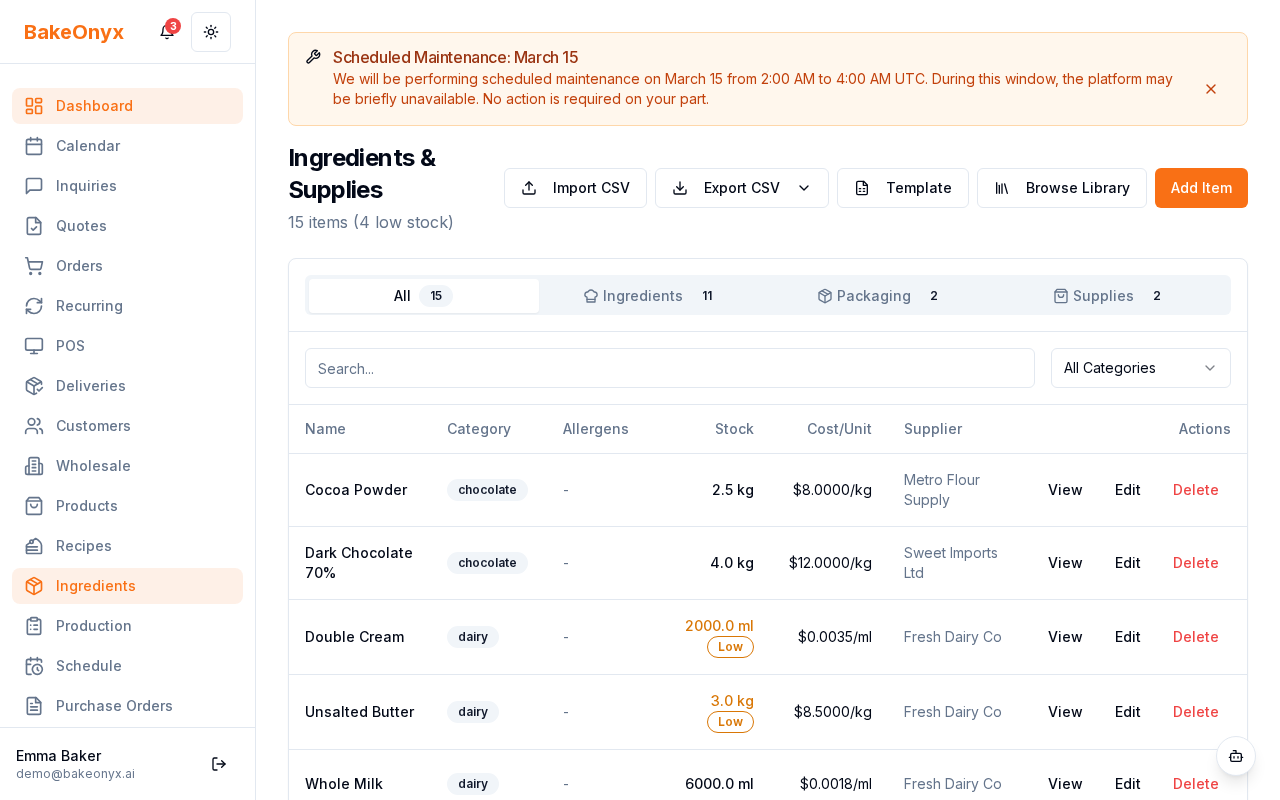
- Look for the Master Library button or link on the page
- Click it to open the library browser
Browsing the Library
The Master Ingredient Library is organized by category to make finding ingredients easier:
- Flours & Grains — all-purpose flour, bread flour, whole wheat, rye, etc.
- Sugars & Sweeteners — granulated sugar, brown sugar, honey, maple syrup, etc.
- Fats & Oils — butter, vegetable oil, coconut oil, shortening, etc.
- Leavening Agents — baking powder, baking soda, yeast, etc.
- Dairy & Eggs — milk, cream, eggs, yogurt, etc.
- Flavorings & Extracts — vanilla extract, almond extract, cocoa powder, etc.
- Nuts & Seeds — almonds, walnuts, sesame seeds, etc.
- Other Essentials — salt, water, gelatin, and more
You can scroll through the categories or use the search function to find specific ingredients quickly.
Importing an Ingredient from the Library
- Browse or search for the ingredient you want to add
- Click on the ingredient name or the Import button next to it
- A preview window will show the pre-configured details:
- Ingredient name
- Default units (e.g., grams, cups, ounces)
- Density value for volume-to-weight conversion
- Category
- Review the settings. If they match your bakery's needs, click Import or Add to Inventory
- The ingredient is now available in your ingredient list
Customizing Imported Ingredients
The library provides standard configurations, but you can customize any imported ingredient to match your bakery's specific needs. After importing, go to your Ingredients list, find the ingredient, and click Edit to:
- Change the unit of measurement
- Adjust the density value (useful if you're using a different brand or type)
- Add supplier information
- Set up stock alerts and reorder levels
When to Use the Master Library
Import from the Master Library when:
- You're setting up BakeOnyx for the first time and need to build your ingredient inventory quickly
- You're adding common staples that don't require custom configuration
- You want to ensure your basic ingredients use industry-standard units and densities
You can still create custom ingredients manually if you need something not in the library, or if your bakery uses unique or specialty ingredients.
Next Steps
- Stock Tracking and Alerts — Learn how to monitor ingredient levels and set up automatic reorder alerts
- Creating a Recipe — Use your imported ingredients to build recipes in BakeOnyx
- Creating Purchase Orders — Generate orders for your ingredients based on inventory needs