Capacity, Deposits & Tipping
Control how many online orders you take per day, require deposits, and enable customer tipping.
Control how online orders come in
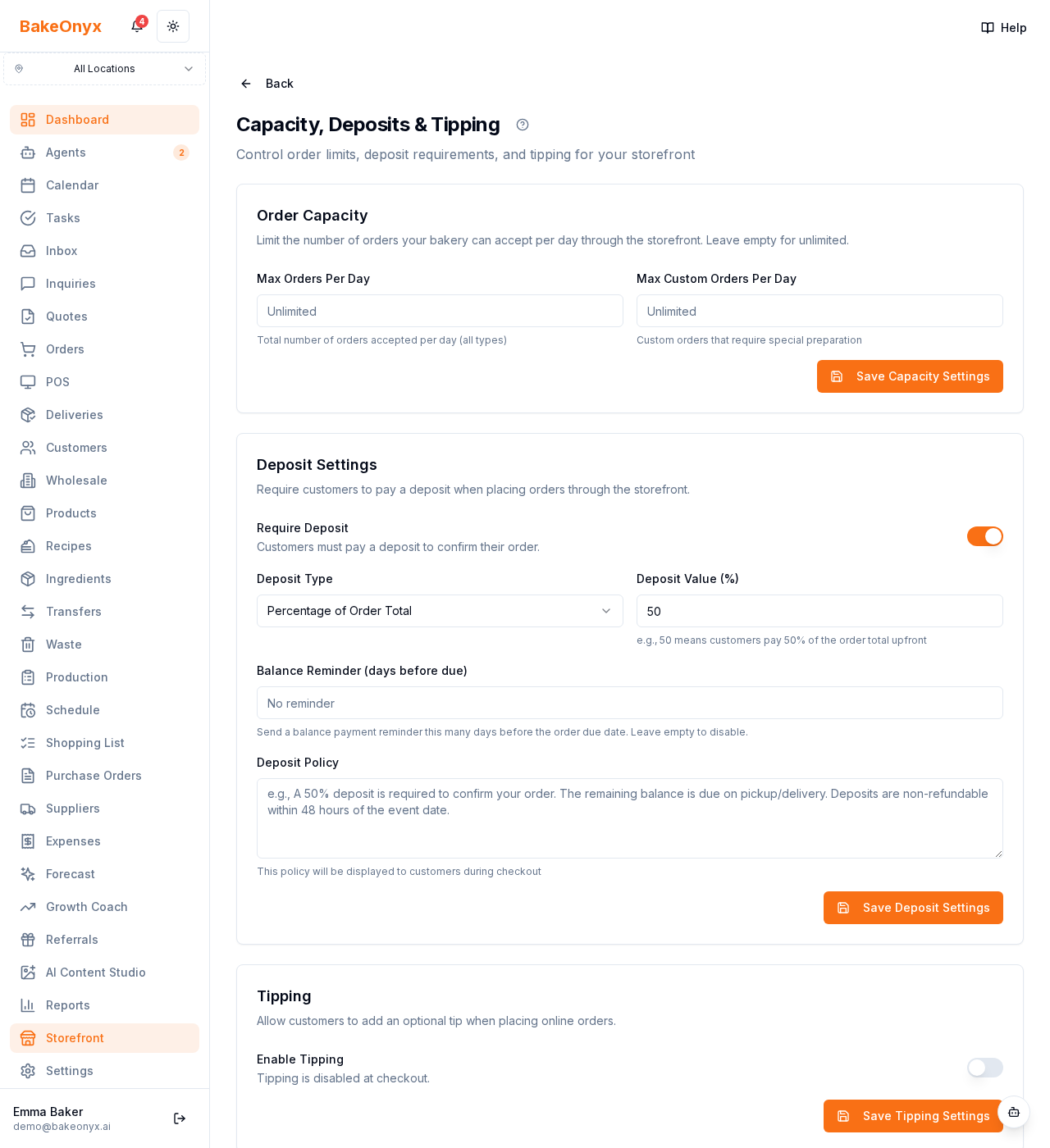
The Capacity, Deposits & Tipping page (Storefront → Capacity) lets you protect your kitchen from over-ordering and set the payment terms for online orders.
What you can set
- Daily order caps — limit how many online orders you accept per day so you never take more than you can bake.
- Deposits — require a deposit (a fixed amount or a percentage) before an online order is confirmed.
- Tipping — let customers add a tip at checkout, with the preset percentages you choose.
How to use it
Set a daily cap that matches your realistic capacity, especially for busy weekends. Use deposits for higher-value custom orders to reduce no-shows. Turn on tipping to give happy customers an easy way to show appreciation.
Next steps
Was this article helpful?