Customer Automation (Lifecycle Emails)
Set up automated emails that fire at key moments — welcome, win-back, top-customer, and birthday.
Marketing that runs itself
Customer Automation (Settings → Automation) lets you turn on a set of lifecycle email flows that fire automatically when a customer hits a milestone — so you stay in touch without lifting a finger.
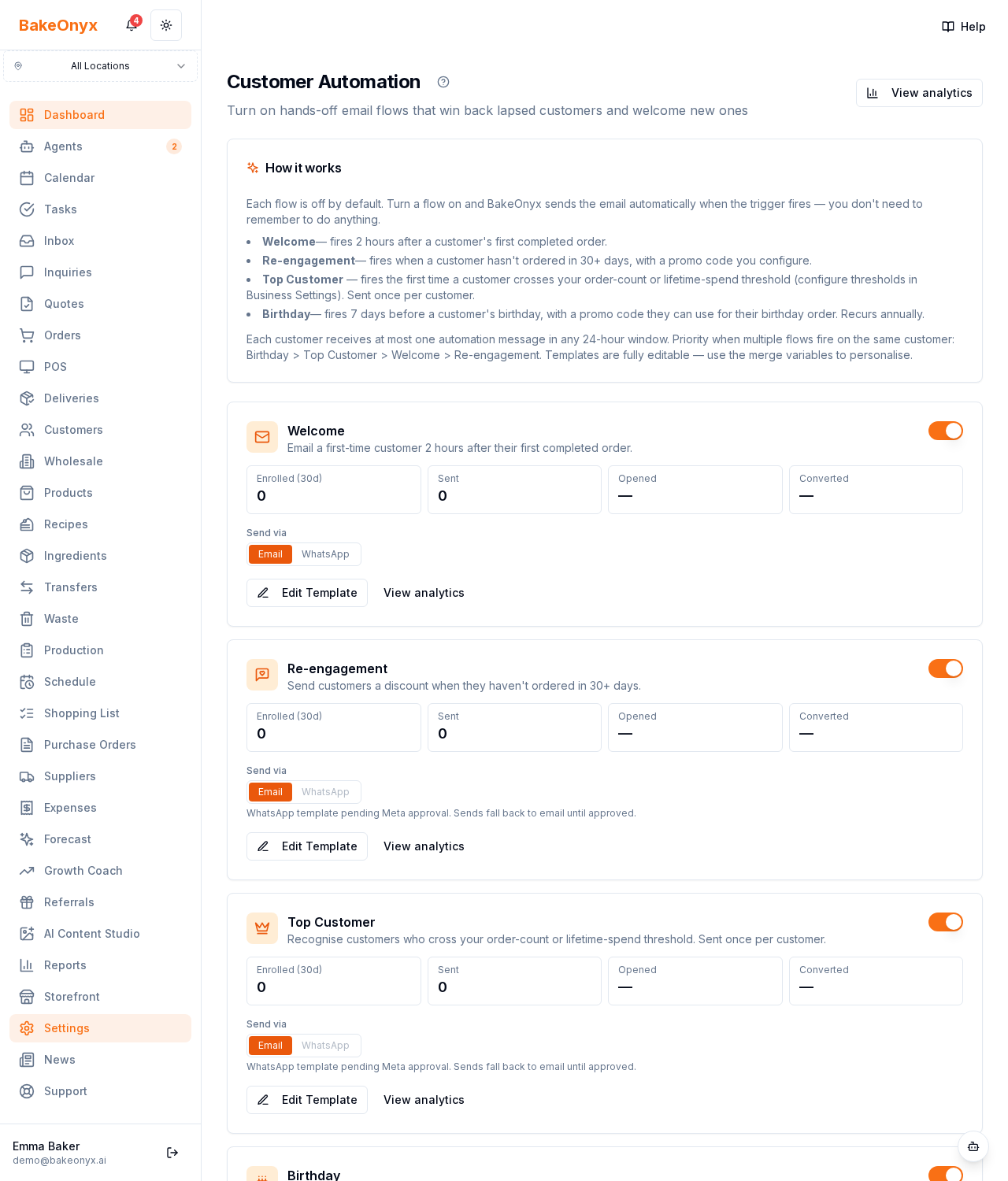
The four flows
- Welcome — greet a customer after their first order.
- Re-engagement — win back customers who haven't ordered in a while.
- Top customer — thank and reward your best regulars.
- Birthday — send a treat on their special day.
What you control per flow
- An on/off toggle and a 30-day performance strip (enrolled, sent, opened, converted).
- An email template editor — subject, body, and an optional promo-code discount.
- A channel choice (email, or WhatsApp if connected).
How to use it
Turn on Welcome and Birthday first — they're easy wins. Add a modest promo code to Re-engagement to pull lapsed customers back. Watch the conversion strip and adjust the offer if a flow isn't paying off.
Available on the Growth and Scale plans. For the post-purchase email sequence, see the Growth Emails settings.
Next steps
Was this article helpful?