SMS Templates
Customize the wording of the automated text messages sent to customers.
Make your texts sound like you
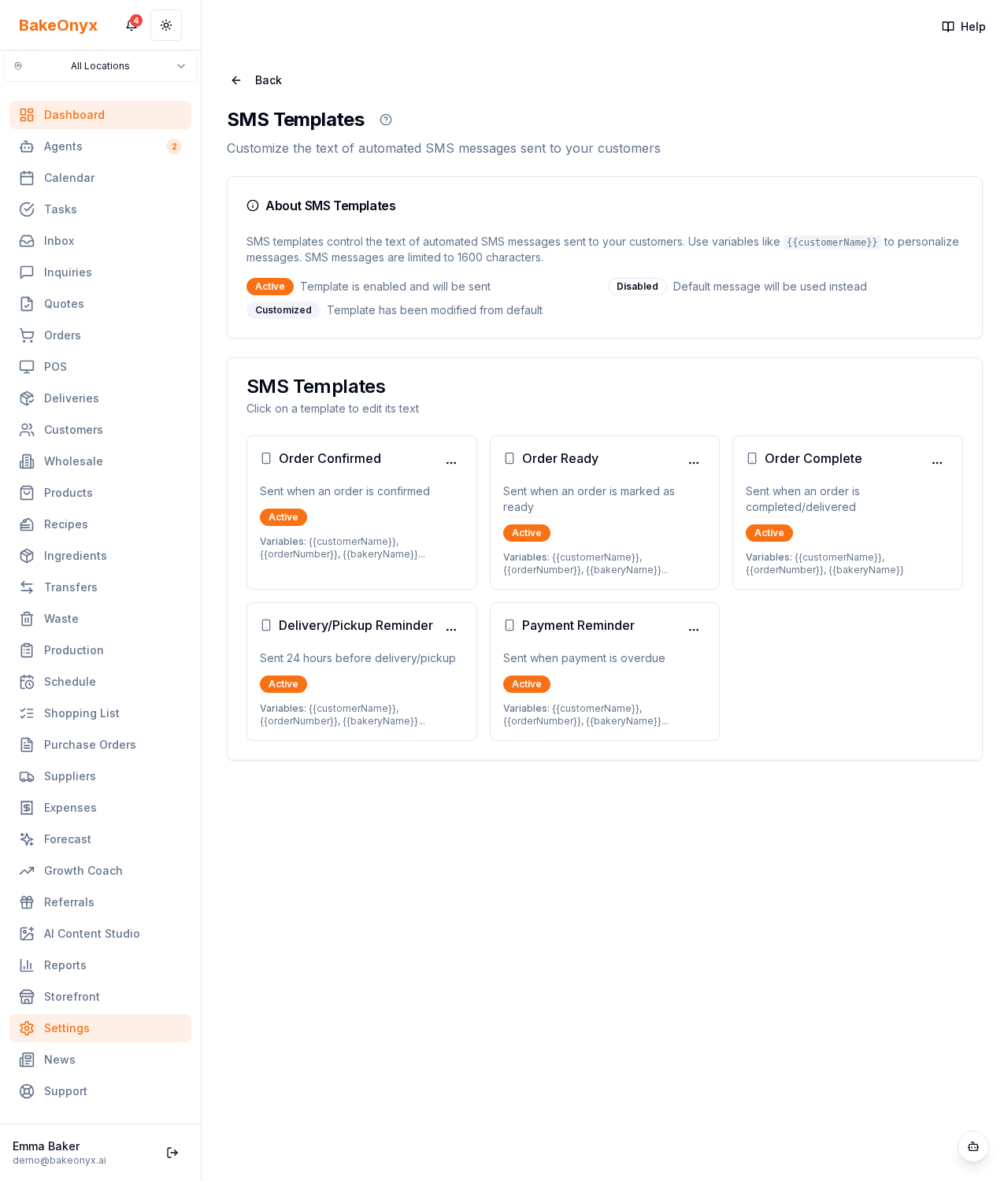
SMS Templates (Settings → SMS Templates) let you customize the automated text messages BakeOnyx sends customers — order confirmations, ready-for-pickup, delivery updates, and more.
What you can do per template
- Turn it on or off.
- Edit the message body, using merge variables like the customer name and order number.
- Preview — send a sample to yourself.
- Reset to the default wording at any time.
How to use it
Keep texts short and warm, and always include the order number. Use Preview before relying on a template. SMS sending requires your messaging/SMS channel to be set up first.
Next steps
Was this article helpful?