Trust Badges
Generate verification seals (Verified, Allergen Verified, Online Ordering) to embed on your website.
Build trust on your own site
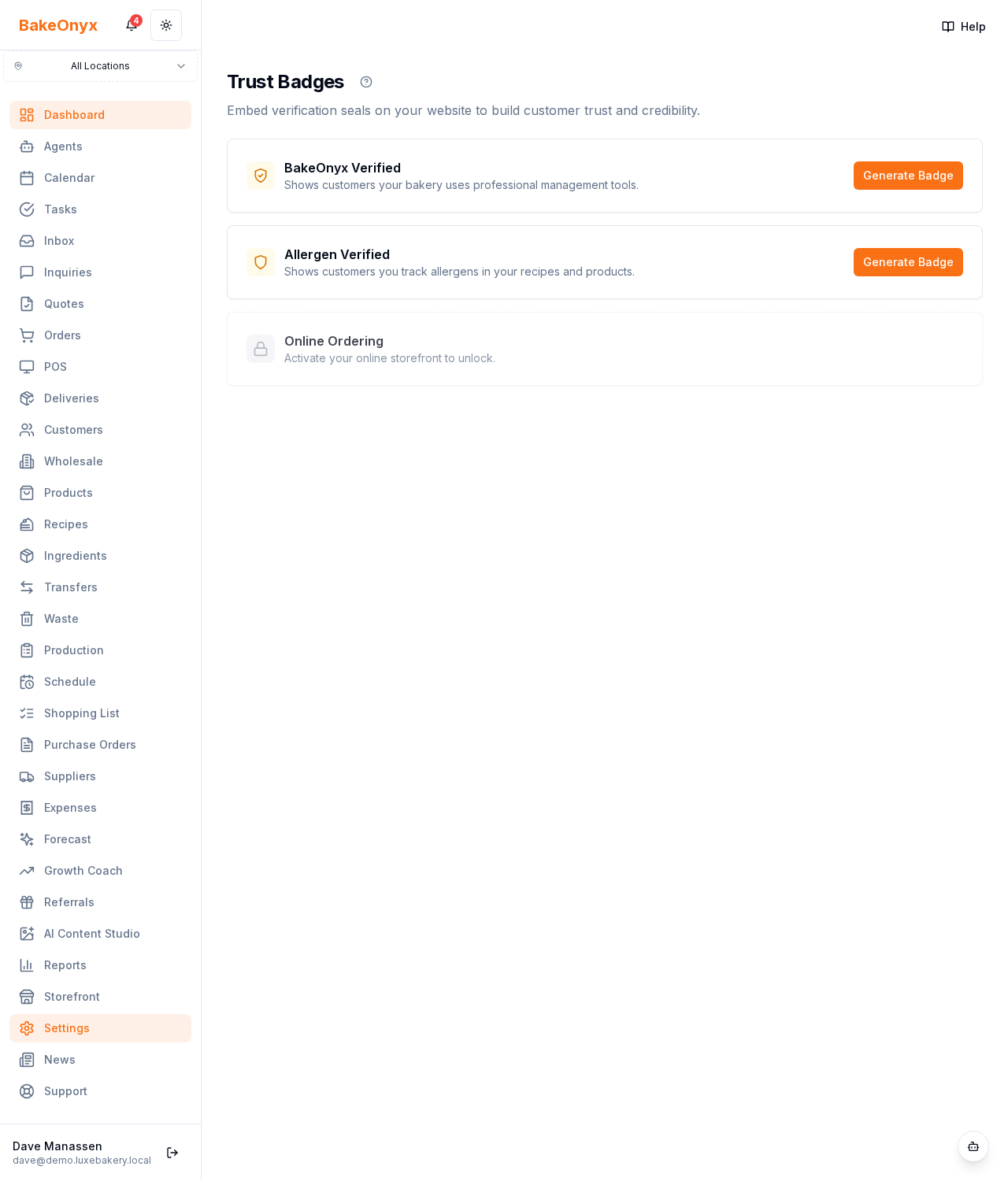
Trust Badges (Settings → Badges) give you verification seals you can embed on your website to reassure new customers that you're a real, established bakery.
The badges
- Verified — earned once you've fulfilled enough orders.
- Allergen Verified — for bakeries with allergen information maintained.
- Online Ordering — shows you accept orders online.
How it works
- Each badge has eligibility criteria (e.g. a minimum number of orders). Locked badges show what you need to unlock them.
- When eligible, click Generate, then choose a size and style (light/dark).
- Copy the embed code and paste it into your website; each badge links to a public verification page.
How to use it
Add badges near your checkout or contact form, where trust matters most. Keep your order volume and allergen data up to date so badges stay active.
Next steps
Was this article helpful?