Auto-Answer & Its Safety Controls
How the upcoming auto-answer mode works — and the kill switch, confidence threshold, and daily caps that keep it safe.
What auto-answer is
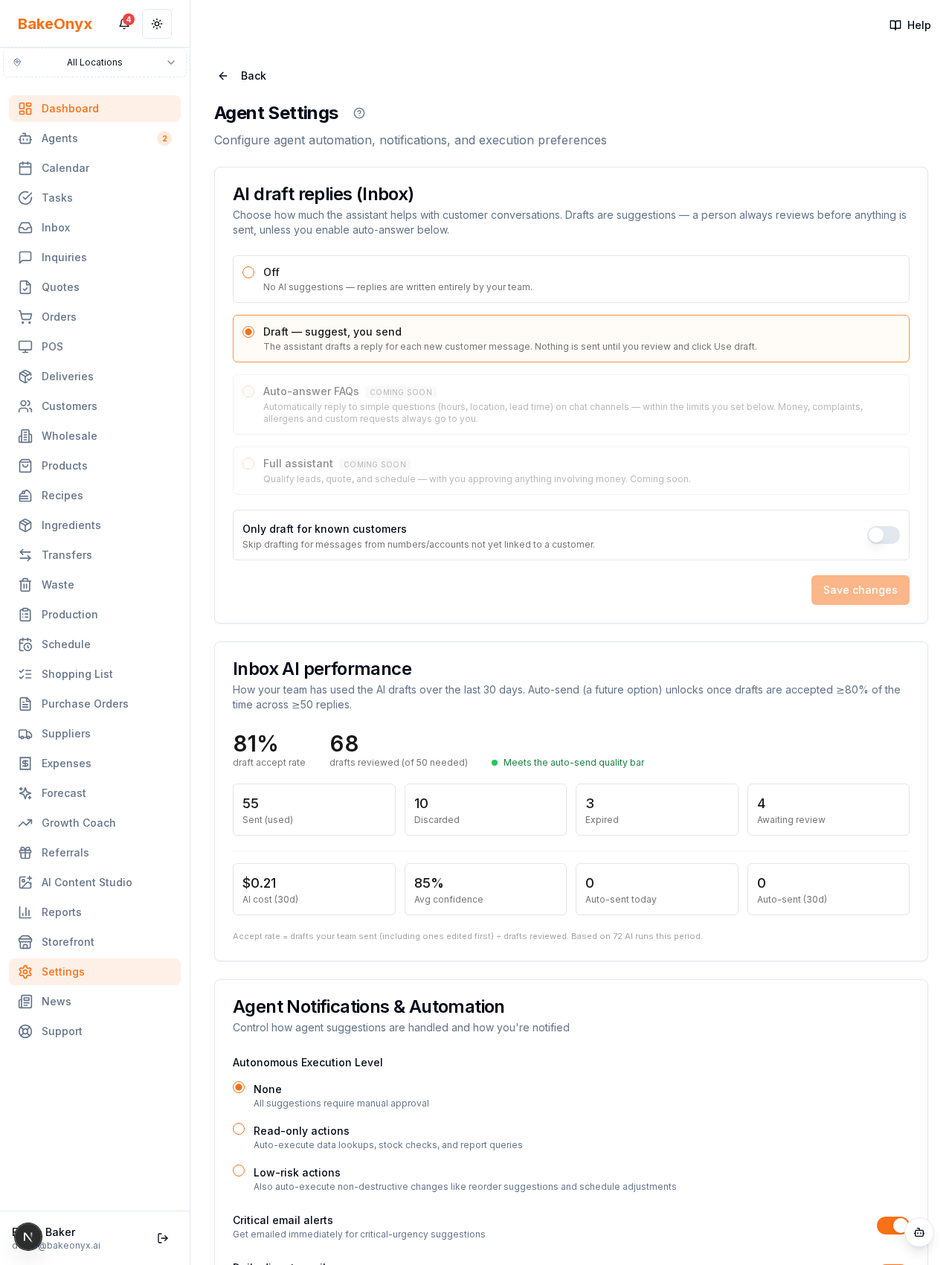
Auto-answer FAQs is a level where the assistant replies on its own to simple questions — opening hours, location, lead times — on chat channels (WhatsApp, Messenger, SMS). Money, complaints, allergens, and custom requests always come to you. It is rolled out carefully and only unlocks after your drafts have proven reliable (see the quality bar in the AI activity view).
The safety controls
When auto-answer is active, you get a set of controls that keep you firmly in charge:
- Pause / kill switch — the assistant keeps drafting but immediately stops sending on its own. Flip it the moment something looks off.
- Minimum confidence to send — only let it send when it is at least this sure (default high, e.g. 85%). Anything less waits for you.
- Maximum auto-sends per day — a hard daily ceiling across the whole bakery.
- Maximum AI replies per chat — after this many AI replies in one conversation, it hands back to a human.
How it hands back
Once any cap is hit, confidence is too low, or the topic is sensitive, the conversation returns to your team and appears in the inbox as needing a reply.
Full visibility
Every auto-sent reply is logged in the Inbox AI performance view with a 🤖 marker and a link to the conversation, plus an "auto-sent today" counter — so you always know exactly what the assistant said on your behalf.
The philosophy
Drafting first, automation second, and never without a kill switch, caps, and a full activity trail.