Customer Overview Report
Track how many customers you have, how fast you are acquiring them, and who spends the most.
How healthy is your customer base?
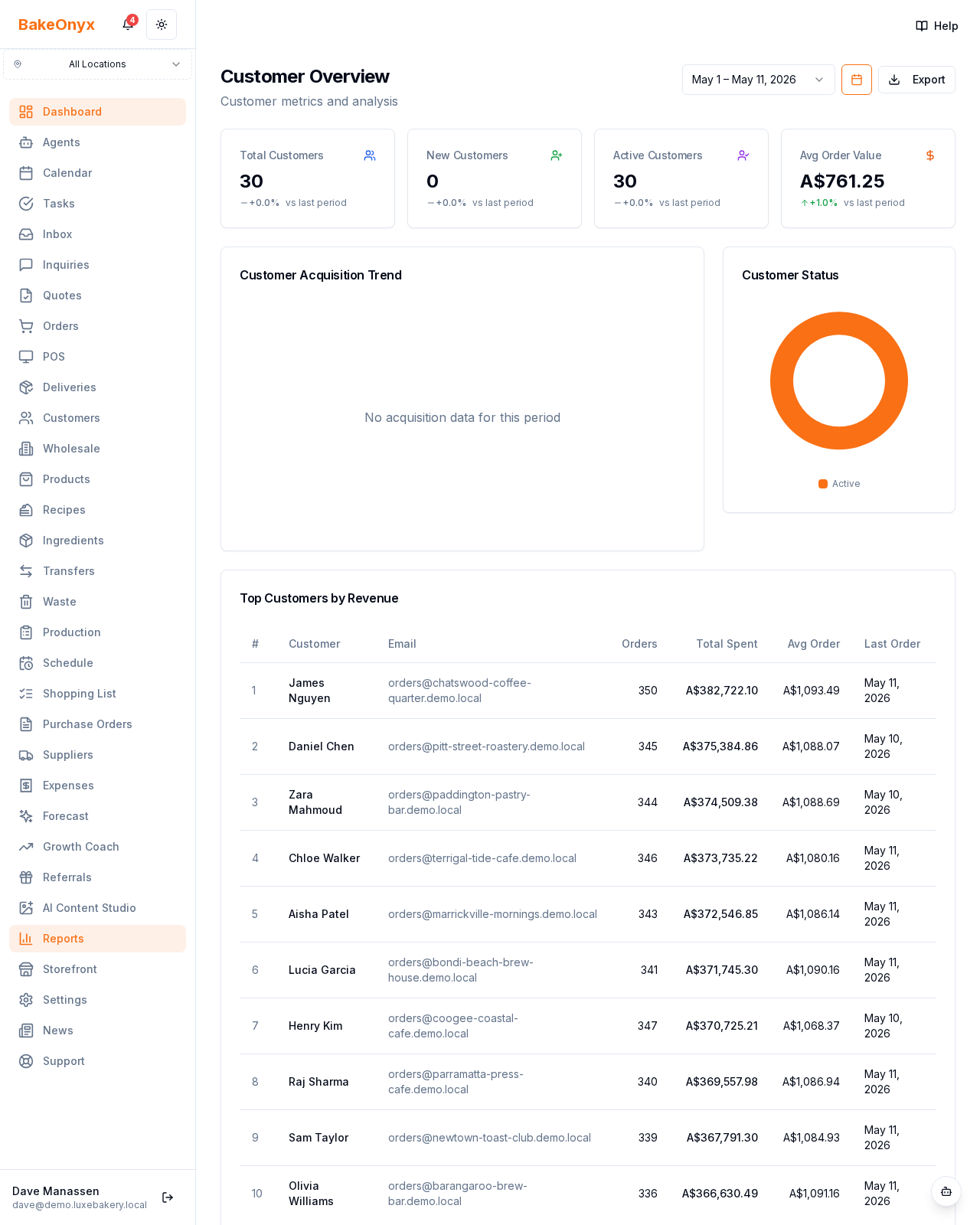
Customer Overview (Reports → Customers) shows the size, growth, and value of your customer base at a glance.
Available on the Growth plan.
What it shows
- Cards: total customers, new customers, active customers, average order value
- A customer acquisition trend and a customer status breakdown
- A Top Customers by revenue table (orders, total spent, average order, last order)
How to use it
Find your highest-value regulars and look after them; watch the acquisition trend to see whether marketing is working. Pair with the CLV and Retention reports for the full picture.
Next steps
Was this article helpful?