Messaging Overview: WhatsApp, Messenger & SMS
Learn how BakeOnyx connects WhatsApp, Facebook Messenger, and SMS so every customer conversation lands in one unified Inbox.
Every channel, one inbox
Your customers message you on WhatsApp, Messenger, web chat, email, and text. Instead of juggling separate apps, BakeOnyx funnels every conversation into one place: the unified Inbox.
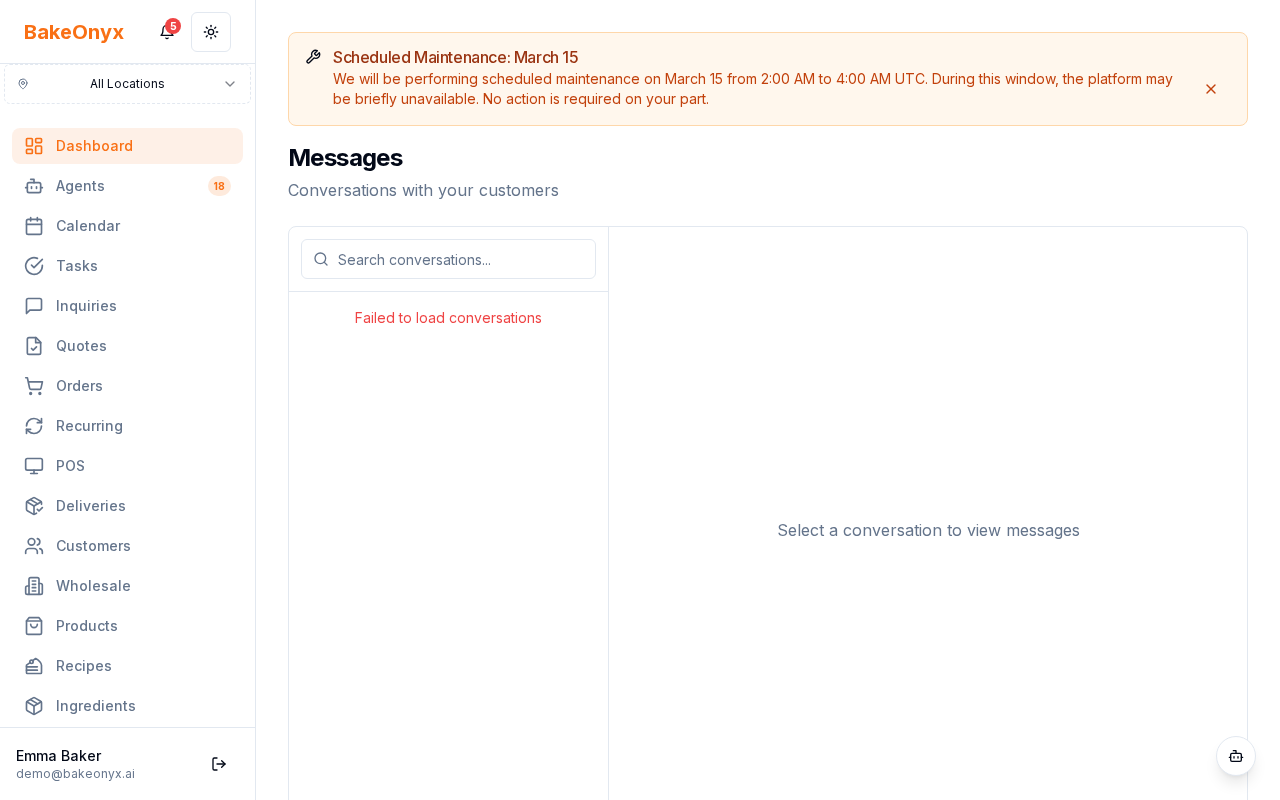
Note: the old Messages screen has been replaced by the unified Inbox.
What this category covers
These articles are about connecting and using channels:
For the inbox itself, AI-drafted replies, and assistant settings, see the Inbox & AI Replies category.
How conversations flow
- WhatsApp, Messenger, SMS, web chat, and email all appear together, each tagged with a channel badge.
- Filter by status, channel, or assignee, and reply from the conversation thread.
- With AI drafting on, a suggested reply is pre-written for each new message — you review and send.
Automatic notifications
Order confirmations, delivery reminders, and payment reminders are still sent automatically via the customer's preferred channel alongside email. Channel setup lives in Settings → Messaging. Messaging is a Growth plan feature.